
Use Cases
Real-world applications and industry examples for GPT Image 2 — from e-commerce product photography to UI prototyping and editorial content.
Overview
GPT Image 2 handles two core workflows: generating images from text, and editing existing images with precise instructions. Below are the most common real-world applications organized by industry and task type.
E-Commerce & Product Photography
Generate product shots at scale without a photoshoot. GPT Image 2 renders label text, brand colors, and packaging accurately enough for commercial use.
What it's good for:
- Hero shots with accurate label text and logo reproduction
- Multi-SKU catalog images with consistent style
- Background swap: white studio → lifestyle scene or textured surface
- Seasonal variation: same product, different background or lighting mood
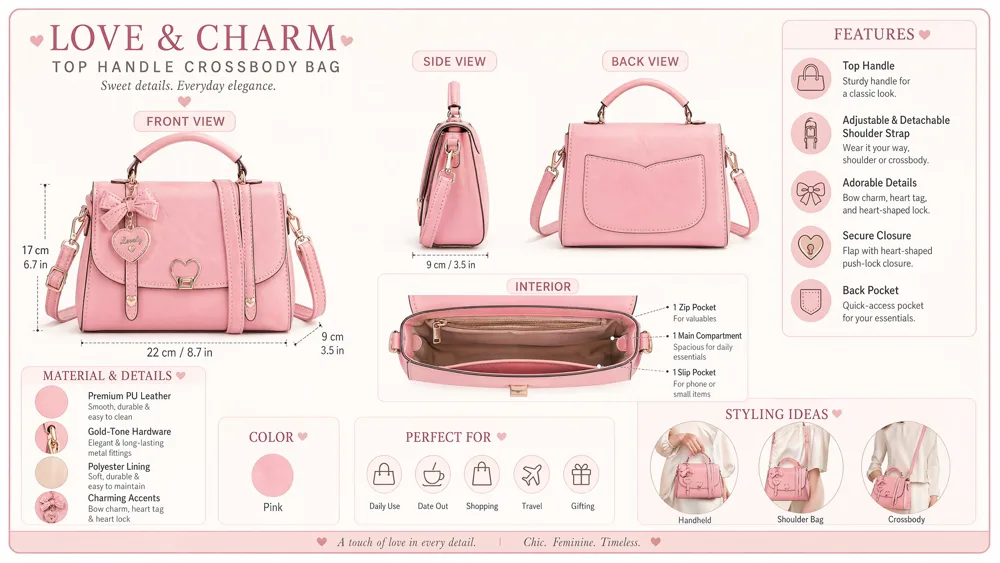
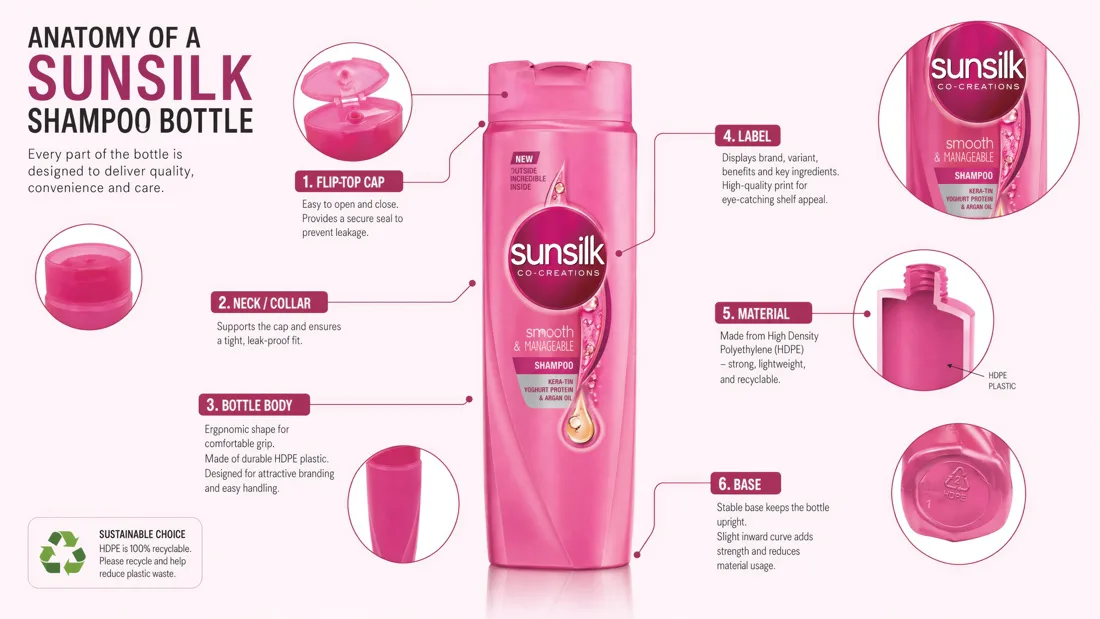
Example prompt:
Premium e-commerce product shot of a dark glass serum bottle labeled
"LUMINA Vitamin C Serum 30ml", white studio background, soft shadow,
sharp label text, top-down lighting
Editing workflow:
Take this product image and place it on a marble bathroom shelf with
soft morning window light. Keep the bottle and label completely unchanged.
Marketing & Social Media
Create infographics, carousel slides, and social posts with clean legible text — without a designer or design tool.
What it's good for:
- Instagram carousel slides with consistent branding
- LinkedIn infographics with statistics and callouts
- Marketing posters with headline typography
- Event announcements with date, time, and location text
Example prompt:
A minimalist Instagram carousel slide titled "5 Productivity Habits"
with a bold sans-serif headline, clean icon for each habit,
white background, blue accent color, slide 1 of 5
UI & Product Design
Rapid prototyping without building anything in code. Generate realistic UI mockups with actual content, navigation, and typography to use in design reviews or client presentations.
What it's good for:
- Mobile app screens with realistic data and layout
- Dashboard wireframes with charts and tables
- Landing page mockups with copy and CTA buttons
- Browser window screenshots for marketing materials
Example prompt:
A pixel-accurate iOS app home screen for a fitness tracker showing:
- "Good morning, Alex" greeting
- Today's step count: 7,432 steps
- Progress ring at 74%
- Three quick buttons: Log Workout, View Stats, Set Goal
- Light mode, SF Pro font, green accent color
Publishing & Editorial
Create illustrations, covers, and story art that maintain consistent style across multiple pages.
What it's good for:
- Children's book illustrations with character consistency
- Comic book and manga page layouts
- Magazine cover art
- Educational diagrams and scientific illustrations
Example prompt:
A children's book illustration of a small red fox reading a book under
a large oak tree in autumn, warm afternoon light, soft watercolor style,
simple shapes suitable for ages 4-8
For character consistency across pages, anchor the character description in every prompt:
[Character: small red fox with white chest markings, wearing round glasses]
now crossing a wooden bridge over a stream, same watercolor style as previous pages
Localization & Multilingual Content
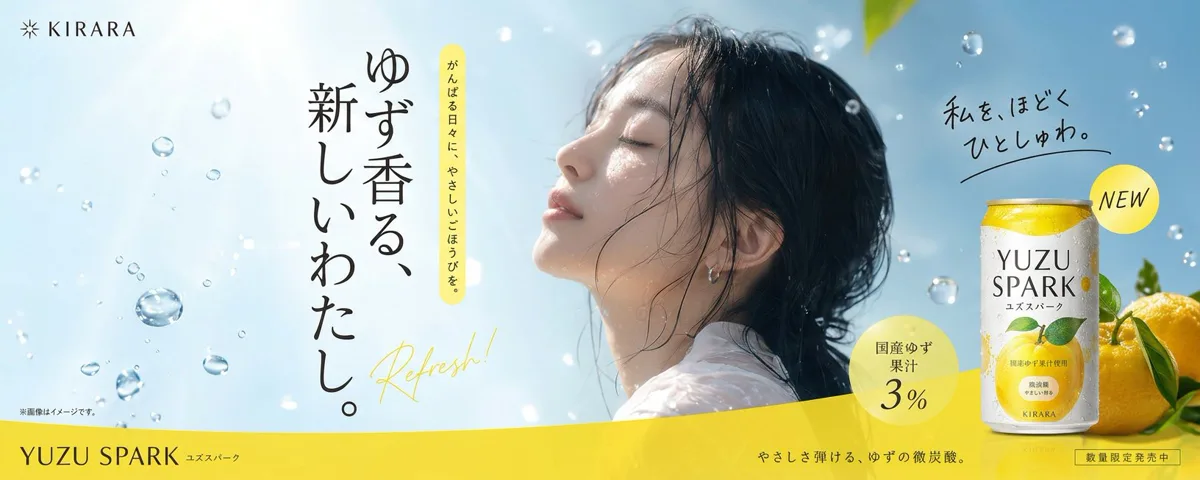
Translate text inside images without re-shooting or rebuilding layouts. GPT Image 2 renders non-Latin scripts — Japanese, Korean, Arabic, Chinese, Devanagari, Cyrillic — accurately.
What it's good for:
- Translating product labels into new markets
- Localizing marketing materials without redesigning layouts
- Creating multilingual signage or packaging variants
- App screenshots in different languages for app store listings
Example prompt:
A product label in Japanese for a green tea brand reading
"抹茶ラテ" (Matcha Latte) as the main title and "有機栽培" (Organically Grown)
as a secondary badge, traditional ink-brush style lettering
Architecture & Technical Illustration
Generate architectural renders, engineering diagrams, and annotated technical drawings with accurate labels and measurements.
What it's good for:
- Interior design concept renders
- Architectural elevation drawings with dimensions
- Technical product diagrams with callout labels
- Scientific and medical illustrations
Example prompt:
A clean architectural section diagram of a passive house showing:
insulation layers, window thermal bridging, floor slab detail,
and labeled U-values for each component. Technical drawing style,
black lines on white, annotated in English
Lifestyle & Campaign Photography
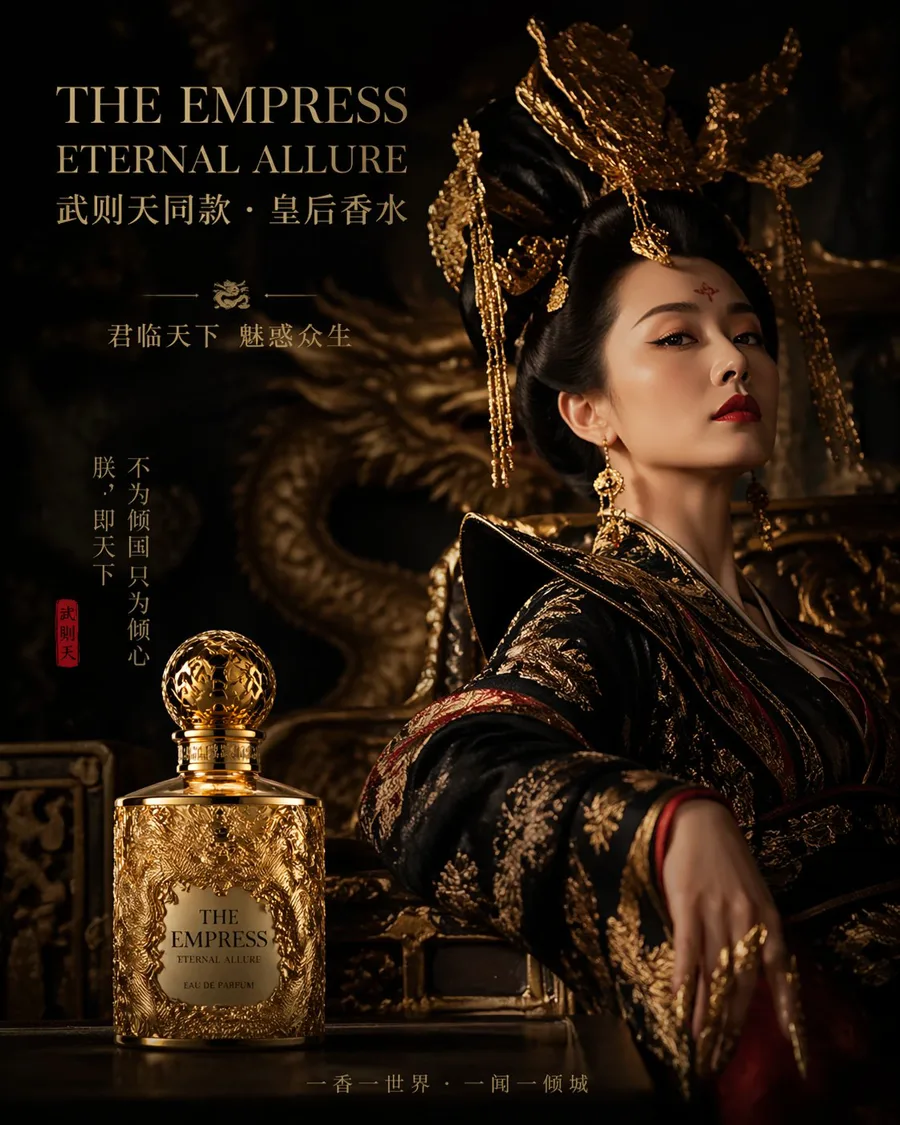
Produce editorial-quality lifestyle photography without a studio, models, or location shoot.
What it's good for:
- Hero images for landing pages
- Seasonal campaign imagery
- Brand lifestyle photography
- Advertising creative for social and display
Example prompt:
A lifestyle photograph of two friends at a rooftop terrace at sunset,
golden hour backlight, candid and relaxed, editorial fashion style,
warm film aesthetic, 50mm lens, shallow depth of field
Data Visualization & Educational Content
Create infographics that explain complex ideas visually with accurate annotations and readable text.
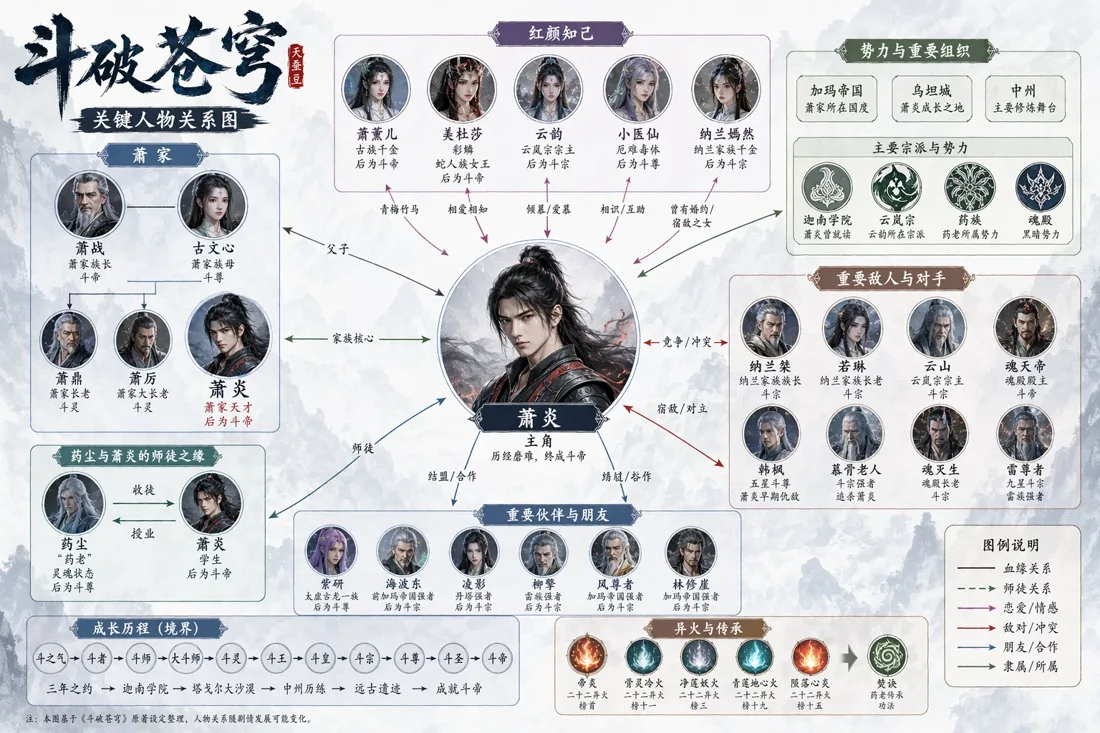
Example prompt:
A clean educational infographic explaining how mRNA vaccines work,
with four labeled steps: 1. mRNA injection, 2. Cell protein production,
3. Immune response, 4. Memory antibodies.
Medical illustration style, blue and white palette, suitable for a health website.
Virtual Try-On & Personalization
Insert people into new scenes or swap clothing while preserving identity.
Editing workflow:
Keep the person's face, hair, and body pose exactly as shown.
Replace the red hoodie with a navy blue denim jacket.
Keep the background and lighting unchanged.
Scene insertion:
Place this person [image 1] into the outdoor café scene [image 2]
as if they are seated at the table. Match the lighting and perspective.
Storyboarding & Visual Development
Generate shot-by-shot visual stories for films, ads, or game narratives.
Example sequence:
Panel 1: [Character: tall astronaut in white suit with red helmet stripe]
floating in zero gravity inside a space station corridor, dramatic side lighting

Panel 2: Same astronaut looking out a porthole window at Earth below,
close-up on the helmet visor reflecting the planet

Panel 3: Same astronaut pressing a red emergency button on the wall,
tense expression visible through visor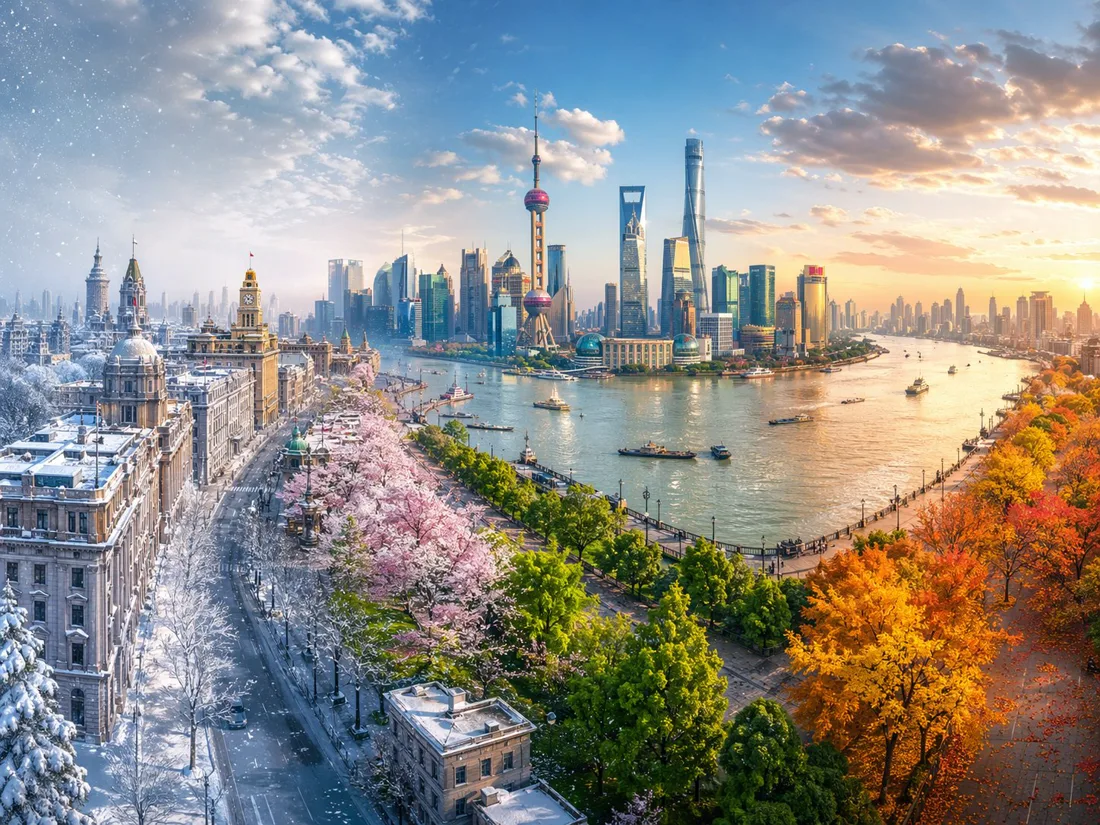
Summary Table
| Industry | Key Use Case | Core Strength Used |
|---|---|---|
| E-Commerce | Product photography at scale | Text rendering, photorealism |
| Marketing | Infographics, social posts | Text rendering, instruction following |
| Product Design | UI mockups, wireframes | Text rendering, precise layout |
| Publishing | Illustrated books, editorial art | Style control, character consistency |
| Localization | Multilingual label/signage variants | Multilingual text rendering |
| Architecture | Technical diagrams, renders | Annotation accuracy |
| Lifestyle | Campaign and brand photography | Photorealism, lighting |
| Education | Explainer infographics | Text rendering, diagram accuracy |
| Fashion/Retail | Virtual try-on, outfit swap | Precise editing, identity preservation |
| Film/Games | Storyboards, concept art | Style control, scene consistency |
Related Resources
- Showcase Gallery — More real images created by users
- Prompting Guide — How to write prompts for these scenarios
- API Reference — Implement these workflows in code
- Pricing & Credits — Calculate cost for your use case
- Blog — Tutorials and case studies