
Prompting Guide
Tips, techniques, and best practices for getting the best results from GPT Image 2 across text rendering, photorealism, and image editing.
Core Principles
GPT Image 2 follows detailed instructions closely. The more specific and structured your prompt, the better the output. Think of your prompt as a creative brief: describe what you want, how it should look, and what should stay unchanged.
1. Be Specific
Vague prompts produce generic results. Describe the subject, environment, lighting, mood, and composition clearly.
| Instead of | Write |
|---|---|
| "a coffee cup" | "A ceramic matte-black coffee cup on a marble countertop, shot from slightly above, soft morning light from the left, shallow depth of field" |
| "make it better" | "Add warm golden-hour lighting from the upper right, keep the subject and composition identical" |
| "a city at night" | "Aerial view of Tokyo at night, neon signs reflecting in wet streets, cinematic teal and orange color grade, photorealistic" |
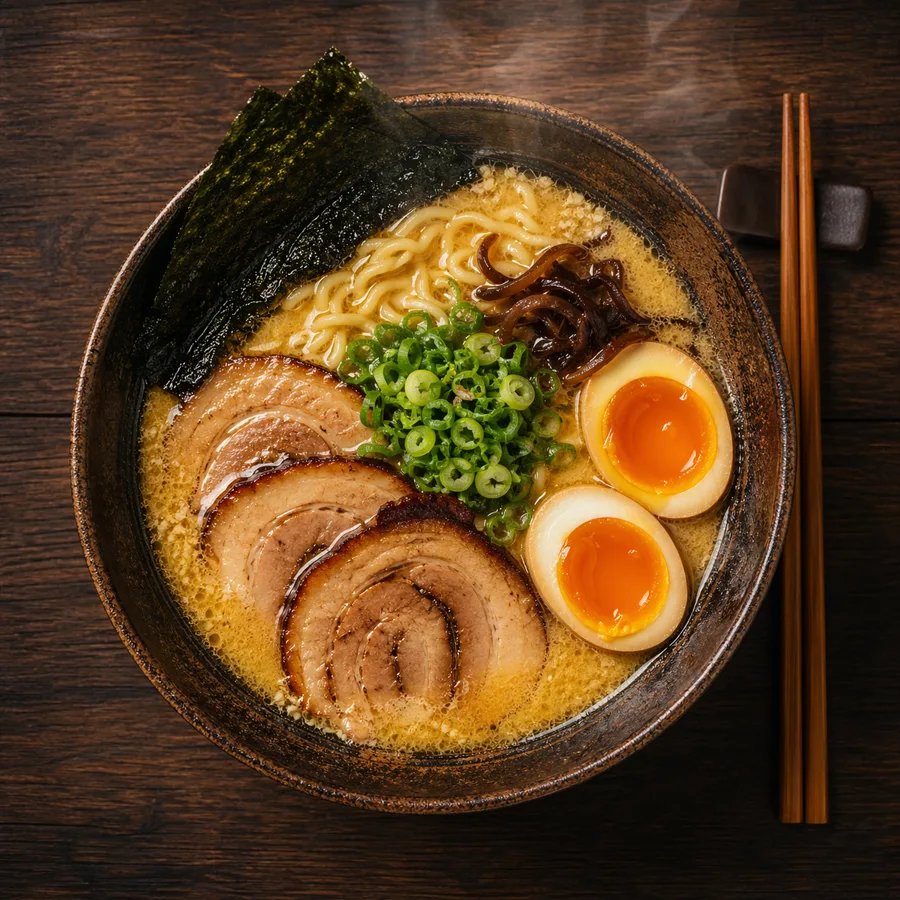
2. Use Photography Language for Realism
When you want photorealistic results, describe the image as a photographer would:
- Lens type:
"50mm lens","wide-angle 24mm","telephoto 200mm" - Aperture / depth of field:
"shallow depth of field","f/1.8 bokeh background" - Lighting:
"soft diffused daylight","studio three-point lighting","golden hour backlight" - Film style:
"35mm film grain","Kodak Portra 400","black and white documentary" - Framing:
"close-up portrait","wide establishing shot","bird's-eye view"
Example:
A photorealistic candid portrait of a young woman at a Paris café, 35mm film,
natural window light, slight grain, shallow depth of field, Kodak Portra 400 aesthetic
3. Render Text Accurately
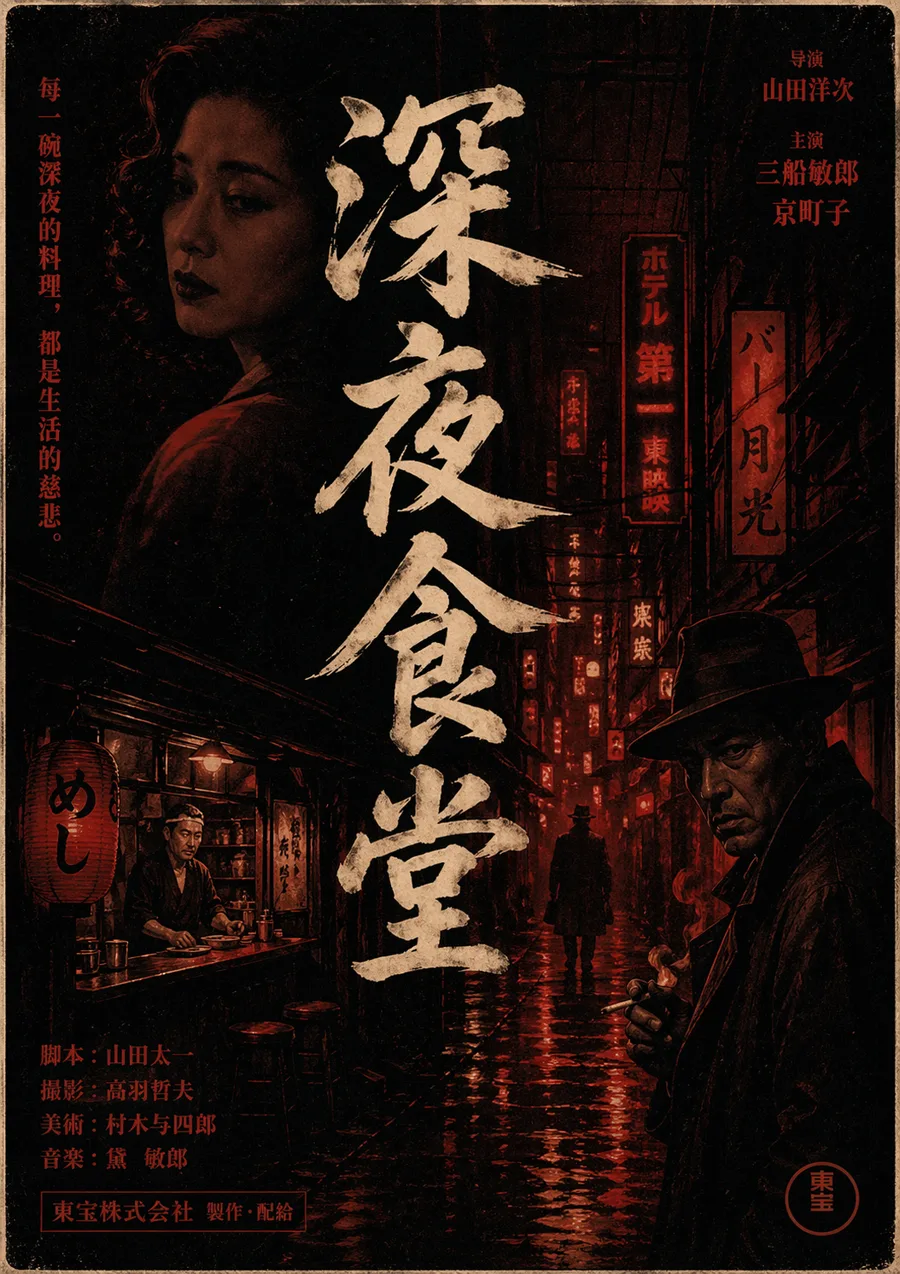
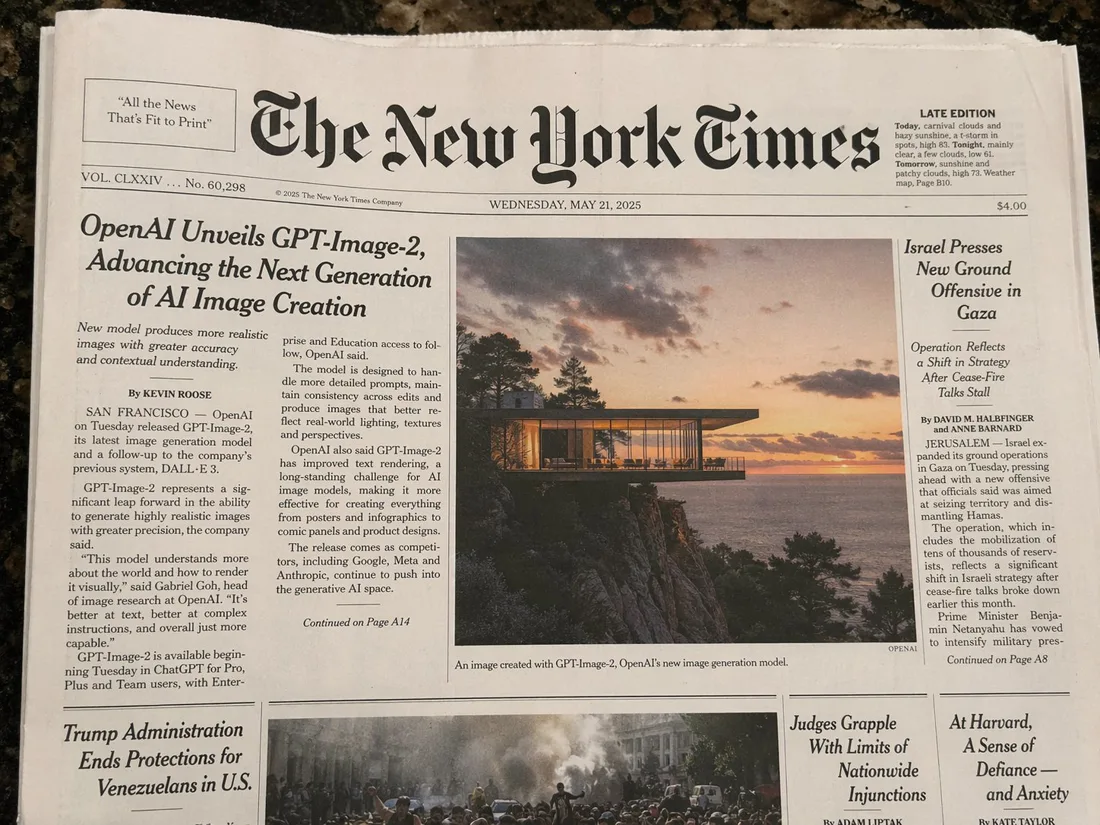
GPT Image 2 excels at text rendering. To get clean, legible text in your images:
- Put the exact text in quotes inside your prompt
- Describe the typography: font weight, style, size, and color
- Specify placement:
"centered","top-left corner","bold headline above the image"
Example:
A minimalist poster with the headline "Design Trends 2026" in bold sans-serif,
centered, white text on a deep navy background, small subtitle "A Year in Review" below
For infographics:
A clean data infographic titled "Global AI Adoption 2026" with four labeled sections,
bar charts, percentage callouts, and a footer reading "Source: OpenAI Research"
4. Lock What Shouldn't Change
When editing an image, explicitly tell the model what must remain the same. Without this, the model may reinterpret the whole scene.
Template:
[Describe the change you want]. Keep the [subject's face / product / background /
lighting / composition] identical. Only change [specific element].
Example:
Replace the red jacket with a navy blue wool coat. Keep the subject's face,
hair, pose, and background completely unchanged.
5. Style Transfer
To apply the visual style of one image to a new subject, use multi-image input and reference each by number:
Apply the lighting style, color palette, and grain texture from image 1
to the subject in image 2. Keep the subject's identity and pose from image 2.
For single-prompt style control:
A portrait photograph in the style of Vivian Maier — black and white,
35mm street photography, candid framing, high contrast
6. Character Consistency
For multi-panel illustrations, comics, or storyboards where the same character must appear across scenes, anchor the character description at the start of each prompt:
[Character description: teenage girl with short red hair, green eyes,
wearing a yellow raincoat] standing at a bus stop in the rain,
illustrated in a clean graphic novel style
Repeating the character anchor in each generation keeps identity consistent across outputs.
7. Product Photography
GPT Image 2 is strong at product shots with accurate label text, logos, and brand colors:
A premium e-commerce product photo of a skincare serum bottle labeled
"LUMINA Vitamin C Serum 30ml", white minimal background, soft studio light
from the upper left, sharp label text, clean shadows
For packaging with complex labels:
A coffee bag product shot labeled "Summit Roast — Single Origin Ethiopia",
with a mountain line-art illustration on the front, kraft paper texture,
matte finish, on a wooden tabletop, natural daylight
8. Infographics and Data Visualization
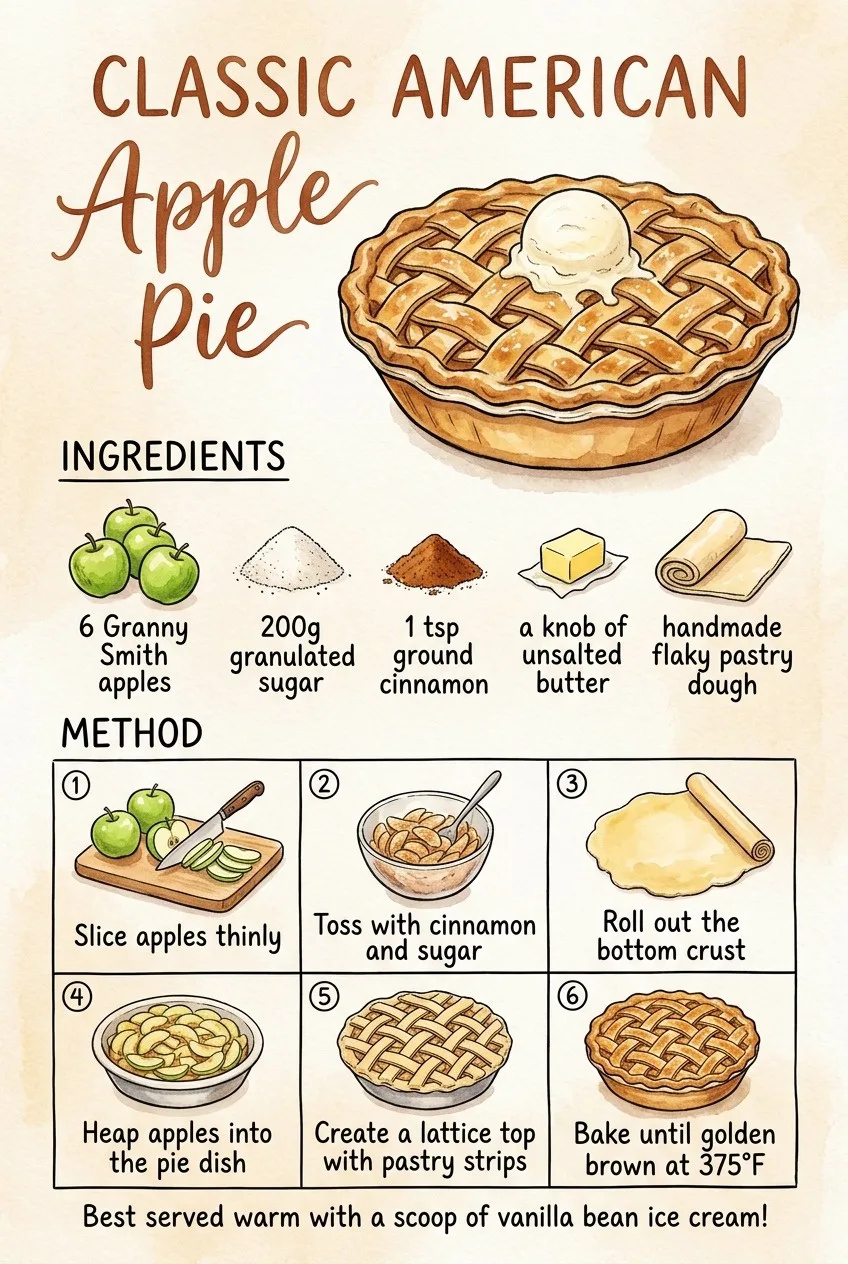
For dense information layouts, structure the prompt like a design brief:
A clean editorial infographic titled "How Neural Networks Learn" with:
- A top header section with the title in bold
- Three labeled diagram stages: Input Layer, Hidden Layers, Output Layer
- Arrows connecting each stage
- A caption at the bottom: "Simplified illustration, not to scale"
Style: flat design, limited color palette (blue, white, dark gray)
9. UI and Interface Mockups
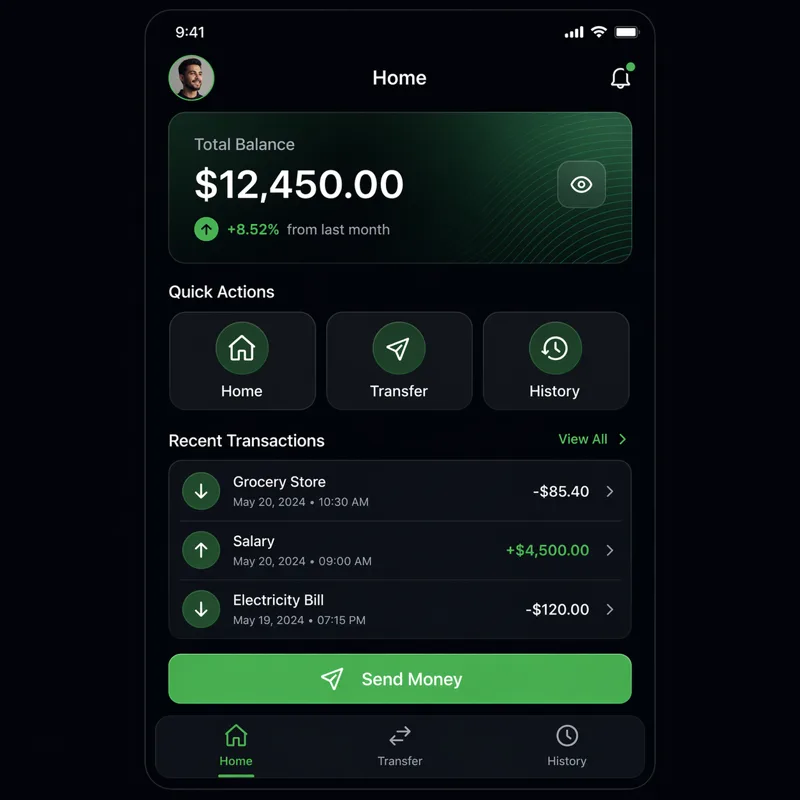
A pixel-accurate mockup of a mobile banking app home screen showing:
- User greeting "Good morning, Alex"
- Account balance: $4,820.00
- Three quick-action buttons: Send, Request, Pay
- Recent transaction list with 4 items
- Bottom navigation bar with Home, Cards, History, Settings icons
Clean iOS design, light mode, San Francisco font
10. Multilingual Text
GPT Image 2 handles non-Latin scripts well. Specify the language and script explicitly:
A store sign in Japanese reading "新鮮な野菜" (Fresh Vegetables) in hand-painted
brushstroke calligraphy style, mounted on a wooden board outside a market stall
A bilingual business card with "Sarah Chen / 陈明华" as the name,
"Creative Director" in English and "创意总监" in Chinese below,
minimal design, black on cream paperPrompt Templates
Photorealistic portrait
Photorealistic portrait of [subject description], [lens] lens, [lighting type],
[color grade], [film or digital aesthetic], [framing]
Product shot
Premium product photography of [product name] with [label/text],
[background surface], [lighting direction], sharp focus on label text,
[shadow style]
Infographic
[Style] infographic titled "[title]" with [number] sections covering [topics],
labeled diagrams, [chart types], caption: "[footer text]"
Image edit
[Edit instruction]. Keep the [preserve elements] completely unchanged.
Only change [target element]. Preserve the original lighting and composition.
Illustrated scene
[Character description] [action] in [setting], illustrated in [art style],
[color palette], [mood/atmosphere]
Common Mistakes to Avoid
- Over-constraining edits: Saying "change everything" defeats the purpose of image editing. Make one change at a time.
- No text quotes: Text you want rendered in the image should be in
"quotes"in your prompt. - Generic quality terms:
"high quality"and"beautiful"mean nothing. Describe what high quality looks like for your specific output. - Forgetting the style anchor: For multi-output sequences, always repeat your style and character description in each prompt.
Related Resources
- Use Cases — Industry-specific prompt patterns
- Showcase Gallery — Inspiration from real outputs
- API Reference — Use these prompts via the API
- How to Use GPT Image 2 — Beginner-friendly walkthrough
- Blog — Tutorials and prompt-engineering articles