
Ship AI Image Generation in Your App — GPT Image 2 API
Your users want stunning AI-generated images. The GPT Image 2 API delivers — OpenAI-compatible endpoints, async generation, predictable per-image billing. No OpenAI account needed.
2
API Endpoints
40%
Cheaper Than OpenAI Direct
60s
Average Integration Time
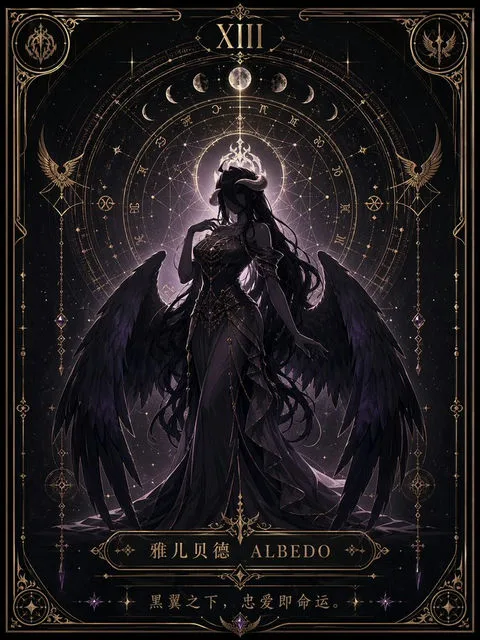
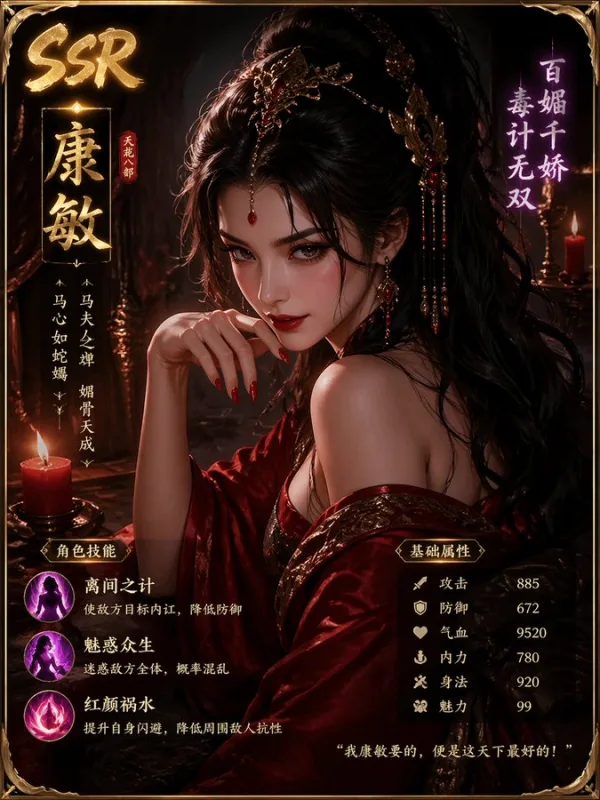
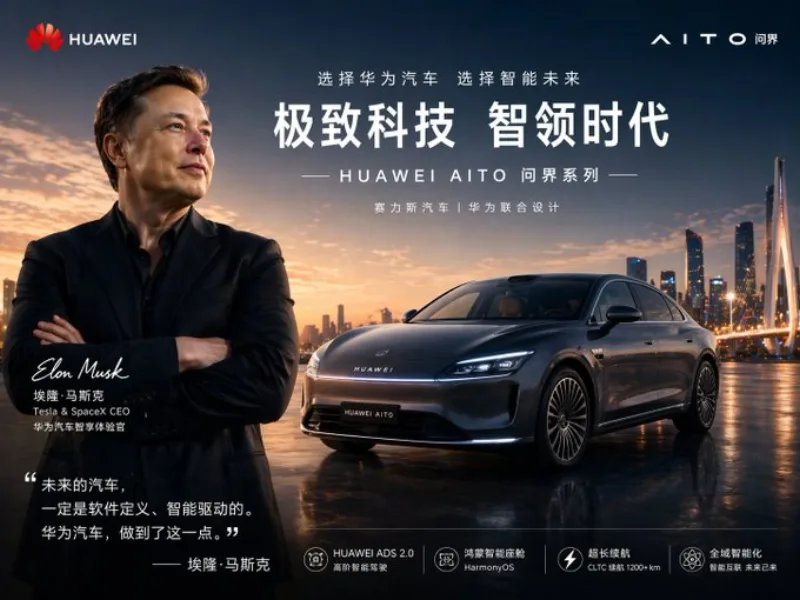
Sample images generated via the GPT Image 2 API
What Is the GPT Image 2 API?
Stop rebuilding image generation from scratch. The GPT Image 2 API gives your app the same model powering millions of AI images — text-to-image, image editing, multi-style output — through two clean REST endpoints. That's it.
✗ Without GPT Image 2 API
- —Weeks of ML infrastructure setup
- —Unpredictable output quality
- —Expensive GPU cloud costs
- —Separate OpenAI account required
- —Rate limit anxiety at scale
✓ With GPT Image 2 API
- ✓60-second integration
- ✓Consistent world-class results
- ✓Pay per image — ~$0.01–$0.02
- ✓Use your existing gpt-image-2.art account
- ✓Scalable from day one
GPT Image 2 vs GPT-4 Image API
The gpt-4 image api (GPT-4V) supports image input for analysis, but does not generate new images. GPT Image 2 is OpenAI's dedicated image generation model — it creates, edits, and transforms images from text prompts or reference images. If you need gpt-4 api image input for reading or understanding images, that is a different endpoint. GPT Image 2 API is what you want when your app needs to produce visual content.
Supported Models & Aliases
The API accepts the following model values: gpt-image-2, gpt-image-2-text-to-image, gpt-image-2-image-to-image. All three route to the same underlying GPT Image 2 model (snapshot: gpt-image-2-2026-04-21). The aliases make it easier to route text-to-image and image-to-image workflows explicitly.
gpt-image-2gpt-image-2-text-to-imagegpt-image-2-image-to-imageGPT Image 2 API Pricing & Credits
OpenAI charges $0.22 per high-quality 1024×1024 image via their direct API. On gpt-image-2.art, the same quality image costs you as little as $0.013 — using the same GPT Image 2 model.
Up to 40% cheaper than going direct. Same model. Better value.
Free GPT Image 2 API Access
Every new account receives free credits automatically — no credit card required. Your first API calls cost nothing. Test the gpt image 2 api, explore the endpoints, and verify output quality before committing to a paid plan.
Credit-Based Billing
API usage consumes the same credits as the web app. Credits never expire within their validity window. Failed tasks before acceptance automatically refund your credits — you only pay for successful images.
| Operation | Credits | Approx. Cost (Standard pack) |
|---|---|---|
| HD Image (1024×1024) | 10 credits | ~$0.013 |
| HD Image (1536×1024) | 10 credits | ~$0.013 |
| 4K Image (3824×2160) | 30 credits | ~$0.039 |
| Image Enhancement | 10 credits | ~$0.013 |
How to Access the GPT Image 2 API
Create Your Account (30 seconds)
Sign up at gpt-image-2.art. New accounts automatically receive free API credits — no credit card or billing setup needed. Your gpt image api key will be ready immediately after signup.
Generate Your API Key (10 seconds)
Navigate to Settings → API Keys. Click "Create Key", copy your Bearer token. Store it securely — never expose it in browser-side code. Use it from your backend, serverless functions, or scripts.
Make Your First API Call
Send a POST request to the image generation endpoint. The API returns a task ID — poll the task endpoint to retrieve your generated image URL when processing completes.
GPT Image 2 API Endpoints & Parameters
The gpt image api reference covers two endpoints. Image generation is async — the create endpoint returns a task ID, and the task endpoint returns image URLs when generation succeeds.
POST /api/v1/images/generations — Create Image
| Parameter | Type | Required | Description |
|---|---|---|---|
| model | string | No | Use gpt-image-2. Aliases: gpt-image-2-text-to-image, gpt-image-2-image-to-image |
| prompt | string | Yes* | Text description of the image. Required unless image_urls provided. |
| image_urls | string[] | No | Reference image URLs for image-to-image generation (gpt-4 image api input style). |
| n | integer | No | Number of images to generate, 1–10. Default: 1. |
| size | string | No | 1024×1024, 1536×1024, 1024×1536, 1920×1088, 1088×1920, 3824×2160, 2160×3824, or auto. |
| quality | string | No | high or auto. High quality = 40% cheaper than OpenAI direct equivalent. |
| output_format | string | No | png, jpeg, or webp. |
| user | string | No | Optional end-user identifier for your tracking. |
GET /api/v1/images/tasks/{task_id} — Query Task
| Status | Meaning |
|---|---|
pending | Task is queued. |
processing | GPT Image 2 model is generating. |
succeeded | Image URLs available in data[]. |
failed | Generation failed. Credits refunded. |
canceled | Generation was canceled. |
GPT-4 Image API Input — image_urls Parameter
For image-to-image workflows (similar to gpt-4o api image input or gpt 4.1 image input api), pass one or more reference image URLs via the image_urls array. The GPT Image 2 model will use these as visual references while applying your text prompt. This enables product photography retouching, style transfer, background replacement, and precise object editing without reinterpreting the entire scene.
Code Examples: GPT Image 2 API in Action
JavaScript / Node.js — Full Polling Example
This exact pattern runs in production apps today. Copy it, swap the prompt and model, it works.
const apiKey = process.env.GPT_IMAGE_2_API_KEY;

// Step 1: Create image generation task
const createRes = await fetch(
  'https://gpt-image-2.art/api/v1/images/generations',
  {
    method: 'POST',
    headers: {
      Authorization: `Bearer ${apiKey}`,
      'Content-Type': 'application/json',
    },
    body: JSON.stringify({
      model: 'gpt-image-2',
      prompt: 'A cinematic product photo of a matte black coffee bag on marble',
      size: '1536x1024',
      quality: 'high',
      n: 1,
    }),
  }
);

const task = await createRes.json();
// { id: "8f6d...", status: "pending", credits: 10 }

// Step 2: Poll until succeeded
let result = task;
while (['pending', 'processing'].includes(result.status)) {
  await new Promise((r) => setTimeout(r, 3000));
  const res = await fetch(
    `https://gpt-image-2.art/api/v1/images/tasks/${task.id}`,
    { headers: { Authorization: `Bearer ${apiKey}` } }
  );
  result = await res.json();
}

// Step 3: Use the image URL
console.log(result.data[0].url); // → "https://..."
Python — Text-to-Image Example
import os, time, requests

api_key = os.environ["GPT_IMAGE_2_API_KEY"]
base_url = "https://gpt-image-2.art/api/v1"
headers = {"Authorization": f"Bearer {api_key}"}

# Create task
resp = requests.post(
    f"{base_url}/images/generations",
    headers=headers,
    json={
        "model": "gpt-image-2",
        "prompt": "Premium skincare bottle on wet stone, studio lighting",
        "size": "1024x1024",
        "quality": "high",
        "n": 1,
    },
)
task = resp.json()

# Poll for result
while task["status"] in ("pending", "processing"):
    time.sleep(3)
    task = requests.get(
        f"{base_url}/images/tasks/{task['id']}",
        headers=headers,
    ).json()

print(task["data"][0]["url"])
n8n Automation — gpt image api n8n Integration
Use the HTTP Request node in n8n to integrate the gpt image api n8n workflows. Set the method to POST, URL to https://gpt-image-2.art/api/v1/images/generations, add the Authorization header with your Bearer token, and pass your JSON body. Use a second HTTP Request node polling the task endpoint, combined with a Wait node (3s interval) inside a loop until status equals succeeded.
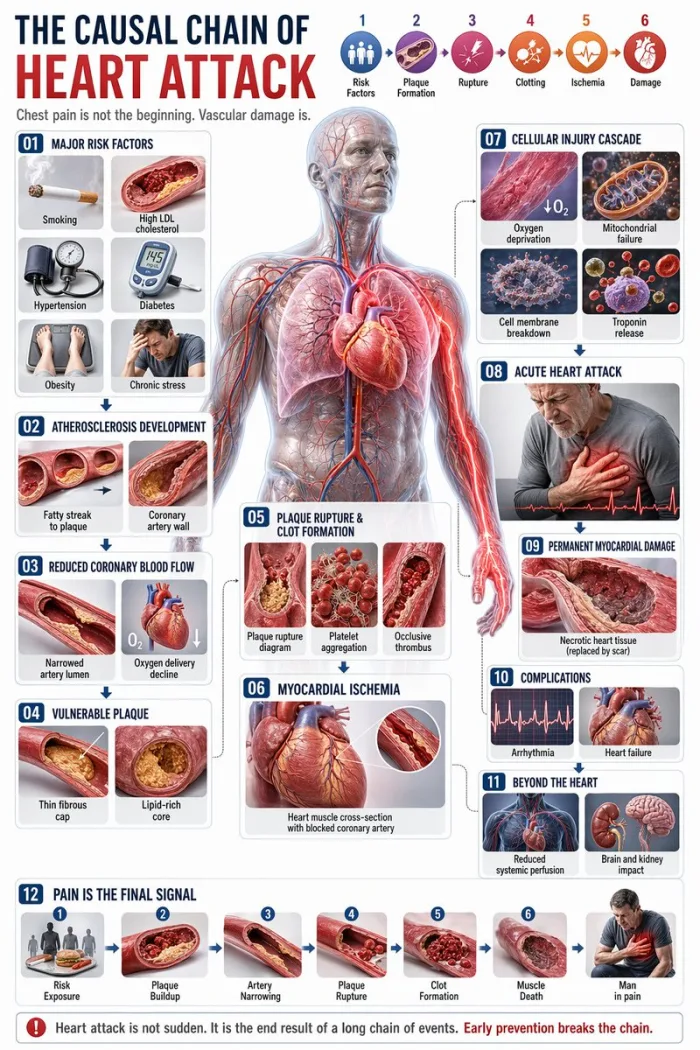
Complex text + diagram infographic generated in a single GPT Image 2 API call
GPT Image 2 API vs Other Image APIs
| Feature | GPT Image 2 API | GPT-4 Vision API | DALL-E 3 API | Azure OpenAI Image API |
|---|---|---|---|---|
| Image Generation | ✓ | ✗ (analysis only) | ✓ | ✓ |
| Image Input (img2img) | ✓ | ✓ (analysis) | Limited | ✓ |
| 4K Resolution | ✓ | ✗ | ✗ | Limited |
| Cost per HD image | ~$0.013 | N/A | ~$0.040 | ~$0.020 |
| OpenAI Account Required | No | Yes | Yes | Yes (Azure) |
| Async Task Model | ✓ | ✗ | ✗ | ✗ |
| Free Credits on Signup | ✓ | ✗ | ✗ | ✗ |
GPT Image 2 API vs GPT-4 Image API
The gpt-4 image api refers to GPT-4 Vision's ability to accept image inputs for understanding and analysis — it does not generate images. GPT Image 2 is OpenAI's standalone image generation model. If your use case requires gpt 4o image input api or gpt 5 image input api for image understanding alongside generation, you can combine both: use GPT-4o for analysis and the GPT Image 2 API for generation within the same pipeline.
GPT Image 2 API vs Azure OpenAI Image API
The azure gpt image api routes through Microsoft's Azure infrastructure, requiring an Azure subscription, resource provisioning, and per-region availability constraints. gpt-image-2.art provides direct API access without Azure overhead — simpler authentication, faster setup, and lower per-image costs for most usage tiers.
FAQ — GPT Image 2 API Questions
Is there a free GPT Image 2 API?
Yes — every new account on gpt-image-2.art receives free credits automatically upon signup. No credit card required. These credits work identically to paid credits across all gpt image api endpoints. You can make real API calls, test image quality, and validate integration before adding a payment method.
What happens if an API call fails?
Nothing is lost. If a generation task fails before being accepted by the GPT Image 2 model, your credits are automatically refunded in full. You only pay for images that successfully reach the succeeded status. Failed tasks return a clear error message in OpenAI-compatible format so you can diagnose and retry.
Is this the real GPT Image 2 model from OpenAI?
Yes. gpt-image-2.art routes API requests through OpenAI's official GPT Image 2 model (gpt-image-2-2026-04-21). The API is OpenAI-compatible — the request/response format mirrors the OpenAI images API spec. You get the same generation quality as going to OpenAI directly, at better pricing.
How does gpt-4 image api input work with GPT Image 2?
Pass reference images via the image_urls parameter in your POST request. GPT Image 2 will use these as visual context for image-to-image generation — preserving subject identity, composition, or style while applying your text prompt. This is equivalent to what developers call gpt-4o api image input or gpt 4 api image input, adapted for image generation rather than analysis.
What are the GPT Image 2 API rate limits?
Rate limits scale with your plan tier. All accounts start with the ability to generate images immediately using free credits. As your usage grows, upgrading to Pro or Max plans increases your throughput. Contact support@gpt-image-2.art if you need custom rate limits for high-volume production workloads.
Related Resources
Keep exploringStart Building with Free API Credits
The GPT Image 2 API is live. Free credits are waiting in your account the moment you sign up.