
GPT Image 2 Docs & Free Generator - No API Key Required
Complete GPT Image 2 documentation — parameters, pricing, prompting tips, and code examples. Use the free online generator on gpt-image-2.art, no OpenAI API key required.
📡 Looking for API documentation? Visit our dedicated GPT Image 2 API guide for endpoints, code examples, and free API credits.
What Is GPT Image 2?
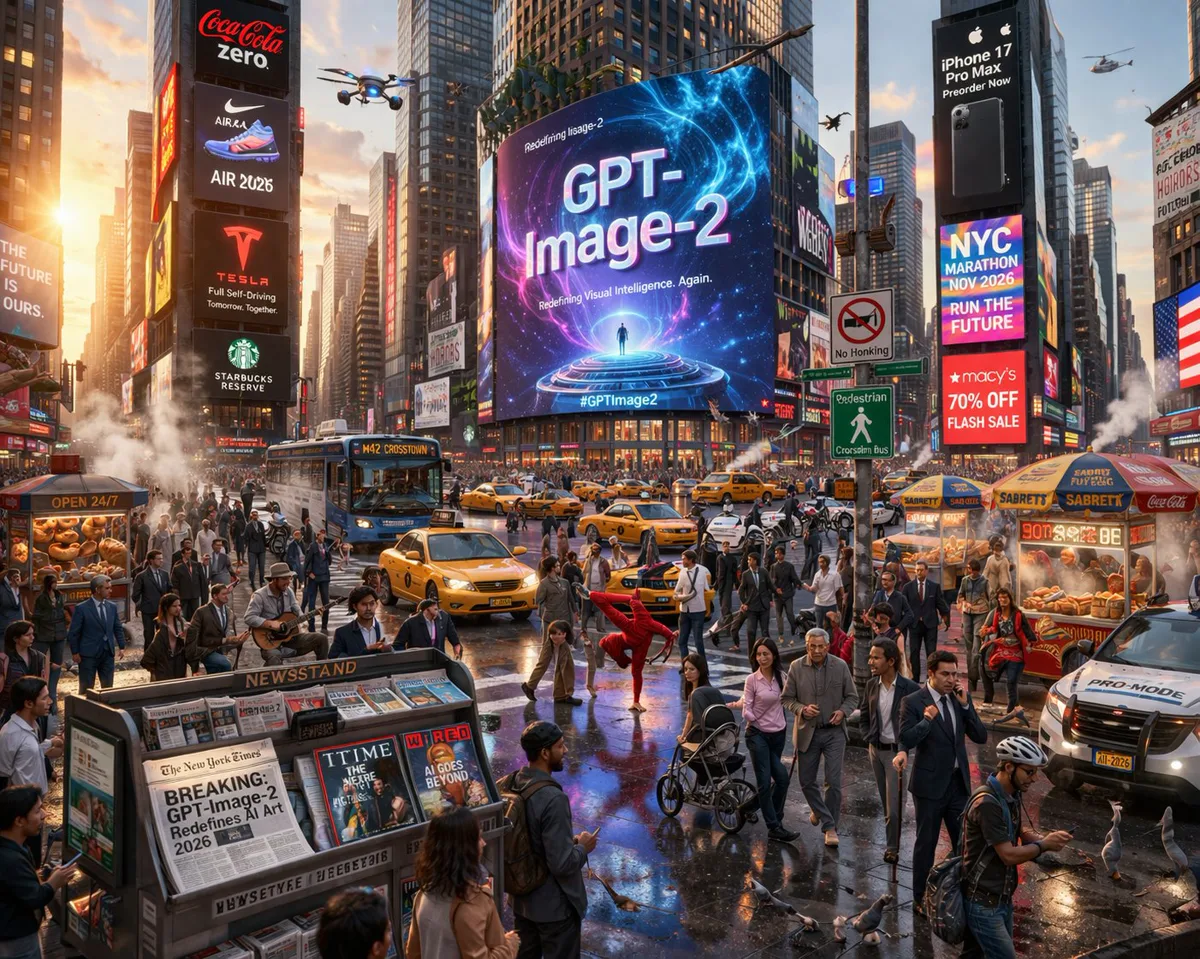
GPT Image 2 is OpenAI's state-of-the-art image generation model, launched on April 21, 2026. It supports both text-to-image generation and precise image editing, with a quality-first architecture designed for the highest fidelity output.
Key improvements over its predecessor include near-perfect text rendering inside images, photorealistic scene quality, and instruction-following accuracy that makes targeted edits possible without reinterpreting the whole image.
Model Highlights
| Feature | Details |
|---|---|
| Released | April 21, 2026 |
| Input | Text, Image |
| Output | Image |
| Performance | Highest quality |
| Speed | Medium |
| API Endpoints | v1/images/generations, v1/images/edits |
| Snapshot | gpt-image-2-2026-04-21 |
Core Capabilities
Photorealism
A quality-first architecture renders natural lighting, authentic material textures, skin detail, and environmental depth at a level that sets a new standard for AI-generated imagery.
Text Rendering
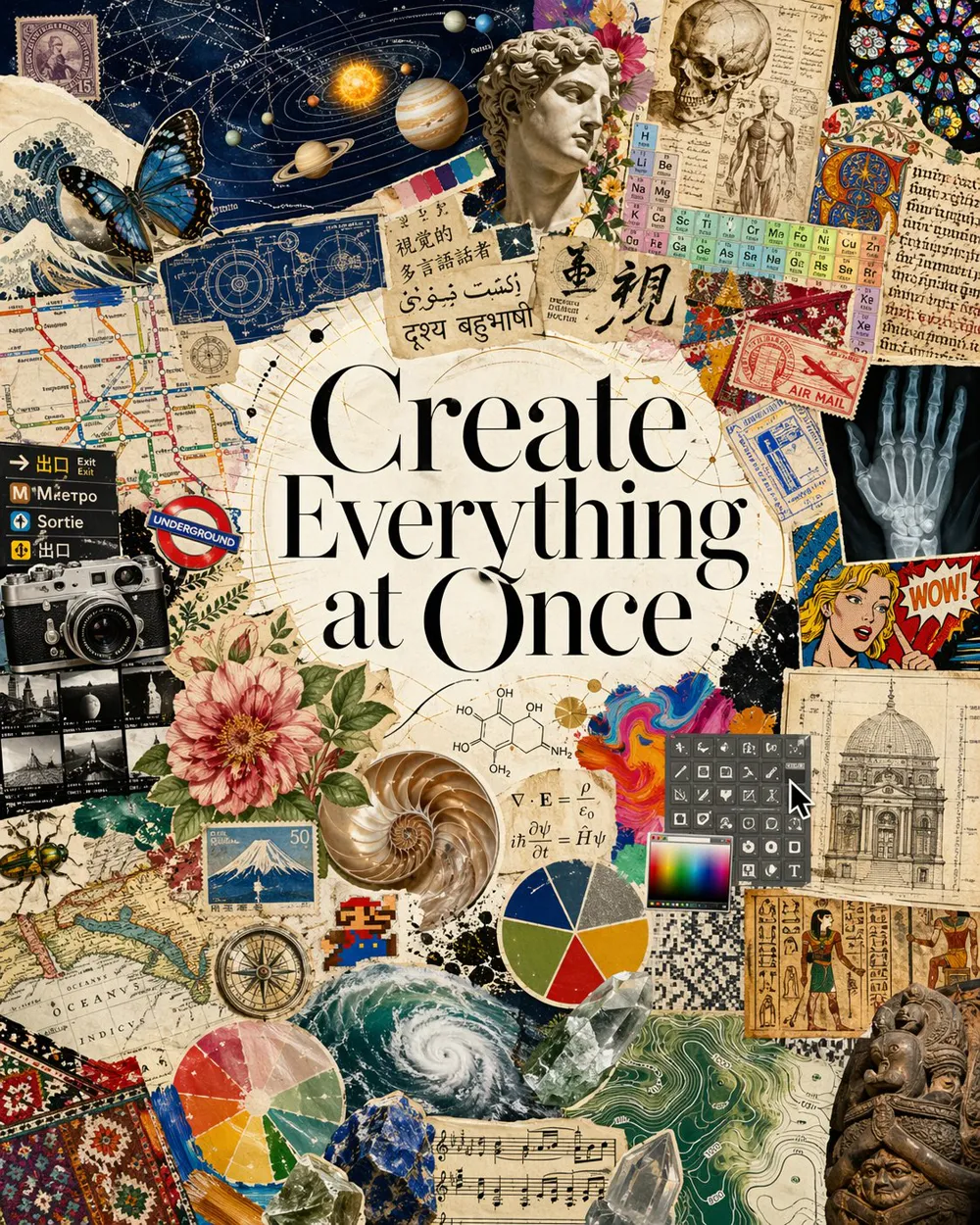
Dense paragraphs, small lettering, multilingual characters, infographics, UI mockups, and marketing materials all render cleanly and legibly on the first attempt — no more garbled characters or broken word spacing.
Precise Image Editing
Targeted changes without reinterpreting the entire image. Preserve identity, composition, and lighting while adjusting specific elements: swap clothing, translate text in a sign, change lighting, remove objects, or composite scenes.
Style Control
Apply consistent visual styles across different subjects, or transfer the look of one reference image to another. Supports multi-image inputs for style + subject composition.
World Knowledge
The model has reasoning built in. Ask for a scene set in "Woodstock, August 1969" and it understands the cultural context without you needing to over-describe.
Quick Start
- Visit gpt-image-2.art
- Enter a text prompt describing your image
- Choose your preferred style and aspect ratio
- Click Generate and download your result
For API access, see the API Reference guide.
Supported Image Sizes & Quality
| Quality | 1024×1024 | 1024×1536 | 1536×1024 | 4K (3824×2160) |
|---|---|---|---|---|
| Low | $0.01 | $0.01 | $0.01 | $0.02 |
| Medium | $0.06 | $0.05 | $0.05 | $0.11 |
| High | $0.22 | $0.17 | $0.17 | $0.41 |
Prices shown are OpenAI direct API pricing via the v1/images/generations endpoint.
Supported Aspect Ratios
1:1— Square (1024×1024)3:2— Landscape (1536×1024)2:3— Portrait (1024×1536)16:9— Widescreen (1920×1088)9:16— Mobile/vertical (1088×1920)4K— Ultra-high resolution (3824×2160 or 2160×3824)
API Rate Limits (OpenAI)
| Tier | Images Per Minute (IPM) | Tokens Per Minute (TPM) |
|---|---|---|
| Free | Not supported | — |
| Tier 1 | 5 | 100,000 |
| Tier 2 | 20 | 250,000 |
| Tier 3 | 50 | 800,000 |
| Tier 4 | 150 | 3,000,000 |
| Tier 5 | 250 | 8,000,000 |
Credits on gpt-image-2.art
| Operation | Credits |
|---|---|
| Text-to-Image (Standard) | 5 |
| Text-to-Image (HD) | 10 |
| Image Enhancement | 8 |
New users receive free credits to get started. Visit the Pricing page for credit packages.
Documentation Sections
- API Reference — Endpoints, parameters, and code examples
- Prompting Guide — Tips and best practices for better results
- Use Cases — Industry examples and common workflows
Related Resources
- Pricing & Credits — Plans, credit packages, and free trial info
- Showcase Gallery — Real images created with GPT Image 2
- Blog — Tutorials, comparisons, and product updates
- How to Use GPT Image 2 — Step-by-step beginner guide
- OpenAI Image API Docs — Official upstream reference for users with their own API key
Support
- Email: support@gpt-image-2.art
- Discord: discord.gg/gptimage2
- GitHub: github.com/gpt-image-2