
プロンプトガイド
テキストレンダリング、フォトリアリズム、画像編集など、GPT Image 2 から最高の結果を得るためのヒント、テクニック、ベストプラクティス。
基本原則
GPT Image 2 は詳細な指示に忠実に従います。プロンプトが具体的で構造化されているほど、出力結果は向上します。プロンプトをクリエイティブブリーフとして考えてください:何を望んでいるか、どのように見せたいか、何を変えてはならないかを説明してください。
1. 具体的に書く
曖昧なプロンプトは汎用的な結果を生み出します。被写体、環境、照明、雰囲気、構図を明確に説明してください。
| 代わりに | このように書く |
|---|---|
| "コーヒーカップ" | "大理石のカウンタートップに置かれたマットブラックのセラミックコーヒーカップ、やや上から撮影、左からの柔らかな朝の光、浅い被写界深度" |
| "よくして" | "右上からの温かいゴールデンアワーの光を追加し、被写体と構図はそのまま維持" |
| "夜の街" | "夜の東京の航空写真、ネオンサインが濡れた街路に反射、シネマティックなティールとオレンジのカラーグレード、フォトリアリスティック" |
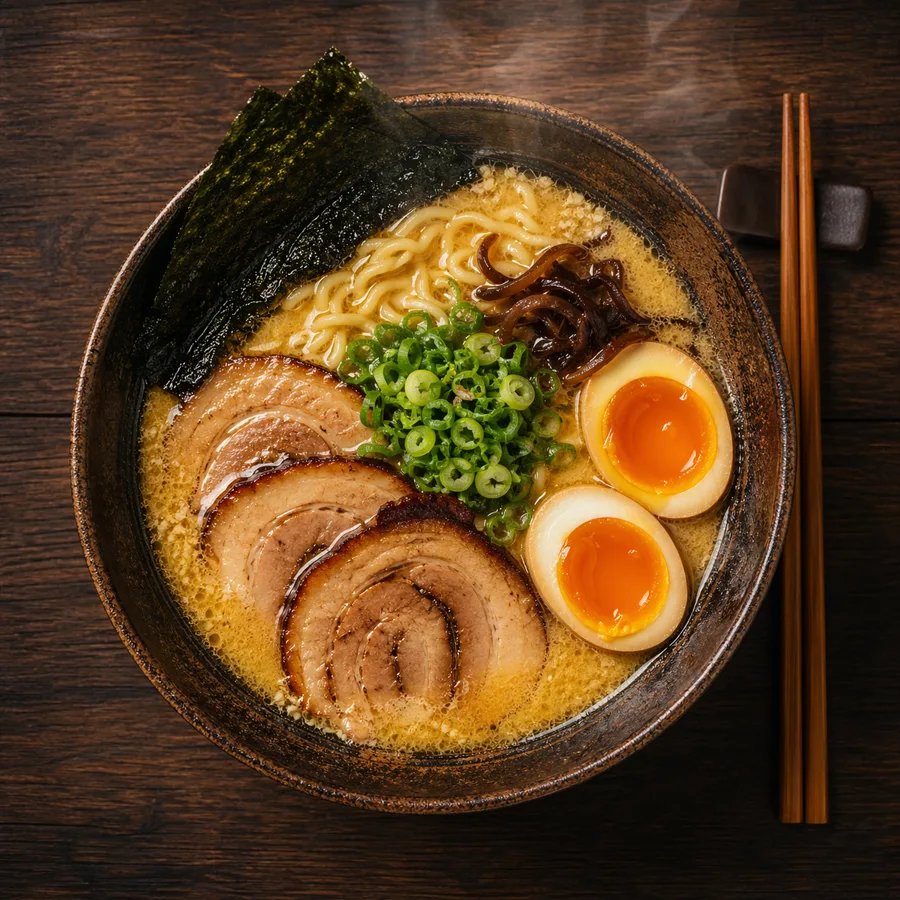
2. リアリズムのために写真用語を使う
フォトリアリスティックな結果を望む場合、フォトグラファーが説明するように画像を描写してください:
- レンズタイプ:
"50mmレンズ"、"広角24mm"、"望遠200mm" - 絞り / 被写界深度:
"浅い被写界深度"、"f/1.8のボケ背景" - 照明:
"柔らかい拡散昼光"、"スタジオ三点照明"、"ゴールデンアワーの逆光" - フィルムスタイル:
"35mmフィルム粒子"、"Kodak Portra 400"、"白黒ドキュメンタリー" - フレーミング:
"クローズアップポートレート"、"広角確立ショット"、"俯瞰視点"
例:
A photorealistic candid portrait of a young woman at a Paris café, 35mm film,
natural window light, slight grain, shallow depth of field, Kodak Portra 400 aesthetic
3. テキストを正確にレンダリングする
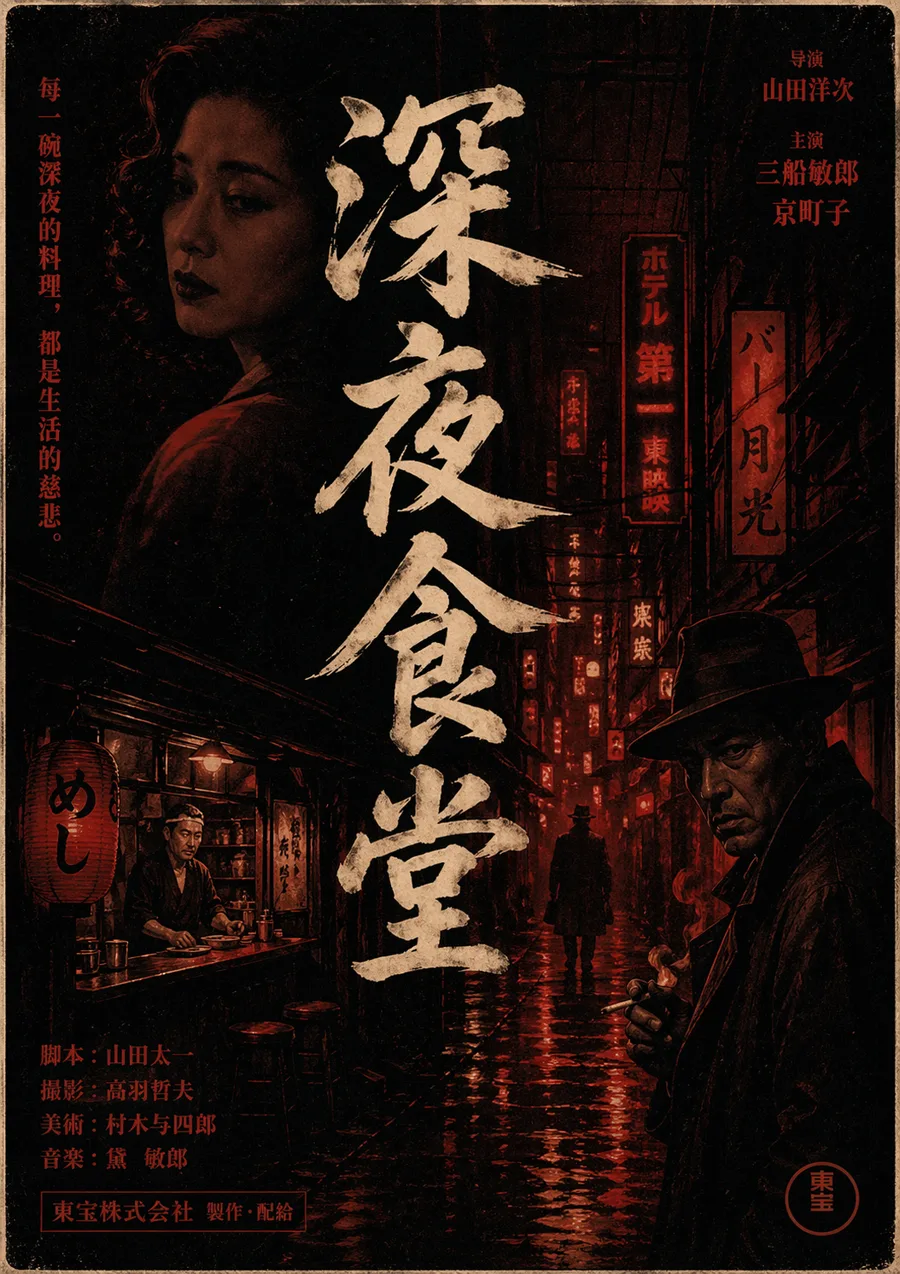
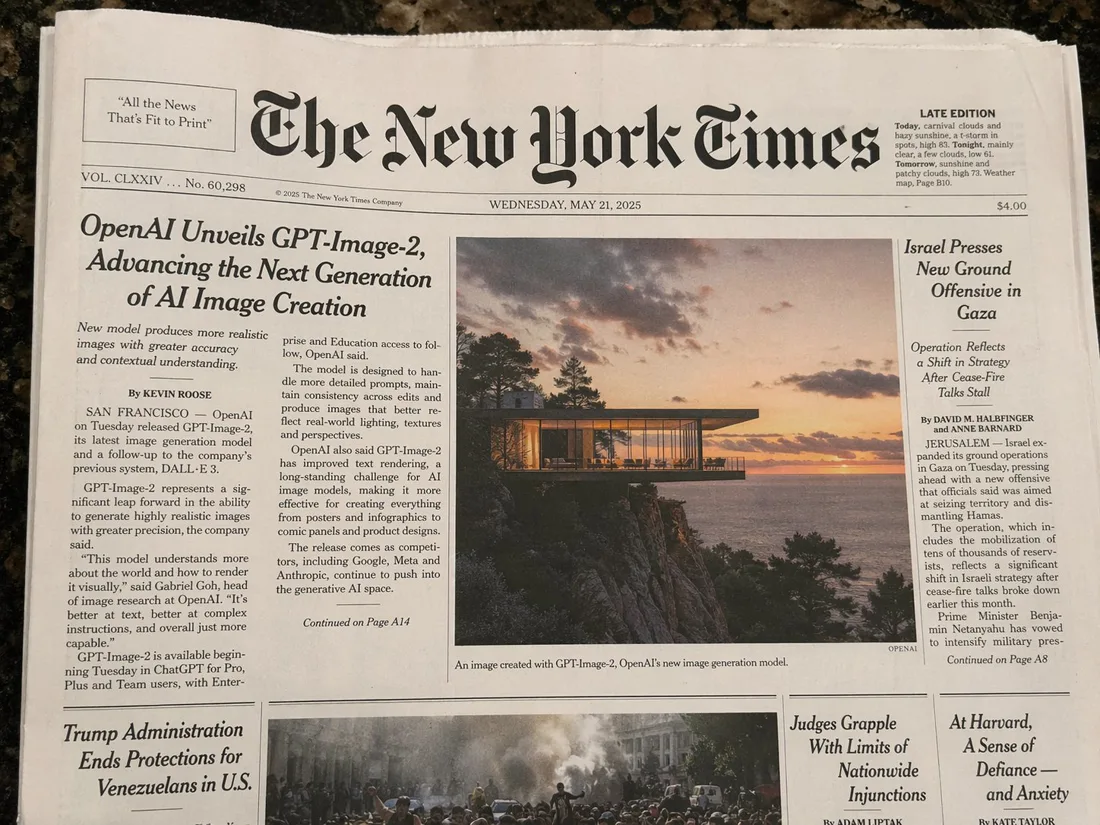
GPT Image 2 はテキストレンダリングに優れています。画像内に読みやすい文字を入れるには:
- プロンプト内の正確なテキストを引用符で囲む
- タイポグラフィを説明する:フォントの太さ、スタイル、サイズ、色
- 配置を指定する:
"中央揃え"、"左上隅"、"画像上部の太字見出し"
例:
A minimalist poster with the headline "Design Trends 2026" in bold sans-serif,
centered, white text on a deep navy background, small subtitle "A Year in Review" below
インフォグラフィックの場合:
A clean data infographic titled "Global AI Adoption 2026" with four labeled sections,
bar charts, percentage callouts, and a footer reading "Source: OpenAI Research"
4. 変更すべきでない部分をロックする
画像を編集する際、変更してはならない部分をモデルに明示的に伝えてください。これがなければ、モデルはシーン全体を再解釈するかもしれません。
テンプレート:
[Describe the change you want]. Keep the [subject's face / product / background /
lighting / composition] identical. Only change [specific element].
例:
Replace the red jacket with a navy blue wool coat. Keep the subject's face,
hair, pose, and background completely unchanged.
5. スタイル転送
ある画像のビジュアルスタイルを新しい被写体に適用するには、複数画像入力を使用して各画像を番号で参照してください:
Apply the lighting style, color palette, and grain texture from image 1
to the subject in image 2. Keep the subject's identity and pose from image 2.
単一プロンプトでのスタイル制御:
A portrait photograph in the style of Vivian Maier — black and white,
35mm street photography, candid framing, high contrast
6. キャラクターの一貫性
同じキャラクターが複数のシーンに登場する必要があるマルチパネルイラスト、コミック、またはストーリーボードでは、各プロンプトの冒頭にキャラクターの説明をアンカーとして置いてください:
[Character description: teenage girl with short red hair, green eyes,
wearing a yellow raincoat] standing at a bus stop in the rain,
illustrated in a clean graphic novel style
各生成でキャラクターアンカーを繰り返すことで、出力全体でアイデンティティを一貫して保てます。
7. 商品写真
GPT Image 2 は正確なラベルテキスト、ロゴ、ブランドカラーを持つ商品写真が得意です:
A premium e-commerce product photo of a skincare serum bottle labeled
"LUMINA Vitamin C Serum 30ml", white minimal background, soft studio light
from the upper left, sharp label text, clean shadows
複雑なラベルを持つパッケージの場合:
A coffee bag product shot labeled "Summit Roast — Single Origin Ethiopia",
with a mountain line-art illustration on the front, kraft paper texture,
matte finish, on a wooden tabletop, natural daylight
8. インフォグラフィックとデータビジュアライゼーション
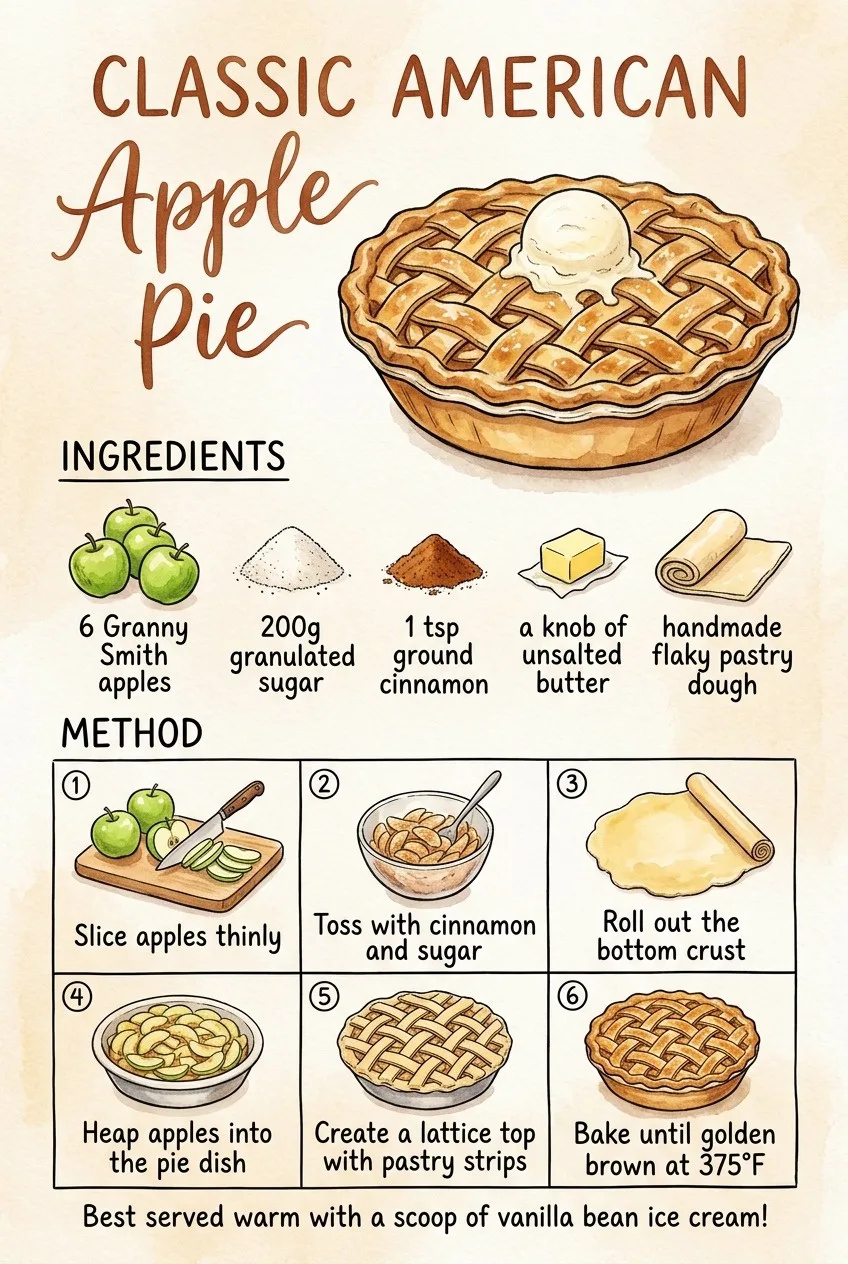
情報量の多いレイアウトには、デザインブリーフのようにプロンプトを構造化してください:
A clean editorial infographic titled "How Neural Networks Learn" with:
- A top header section with the title in bold
- Three labeled diagram stages: Input Layer, Hidden Layers, Output Layer
- Arrows connecting each stage
- A caption at the bottom: "Simplified illustration, not to scale"
Style: flat design, limited color palette (blue, white, dark gray)
9. UIとインターフェースのモックアップ
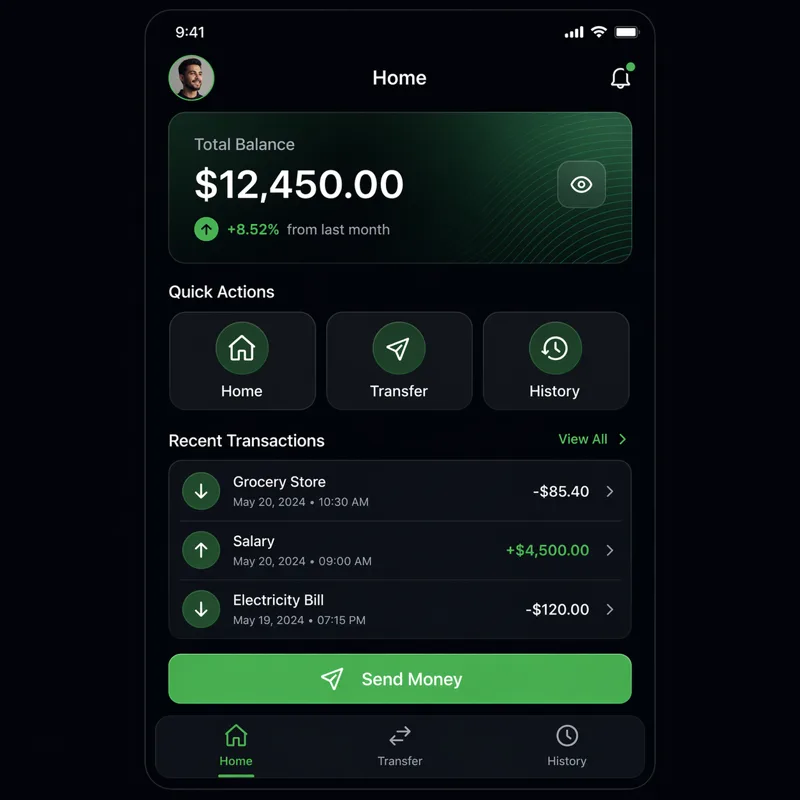
A pixel-accurate mockup of a mobile banking app home screen showing:
- User greeting "Good morning, Alex"
- Account balance: $4,820.00
- Three quick-action buttons: Send, Request, Pay
- Recent transaction list with 4 items
- Bottom navigation bar with Home, Cards, History, Settings icons
Clean iOS design, light mode, San Francisco font
10. 多言語テキスト
GPT Image 2 は非ラテン文字を上手く処理します。言語と文字体系を明示的に指定してください:
A store sign in Japanese reading "新鮮な野菜" (Fresh Vegetables) in hand-painted
brushstroke calligraphy style, mounted on a wooden board outside a market stall
A bilingual business card with "Sarah Chen / 陈明华" as the name,
"Creative Director" in English and "创意总监" in Chinese below,
minimal design, black on cream paperプロンプトテンプレート
フォトリアリスティックポートレート
Photorealistic portrait of [subject description], [lens] lens, [lighting type],
[color grade], [film or digital aesthetic], [framing]
商品写真
Premium product photography of [product name] with [label/text],
[background surface], [lighting direction], sharp focus on label text,
[shadow style]
インフォグラフィック
[Style] infographic titled "[title]" with [number] sections covering [topics],
labeled diagrams, [chart types], caption: "[footer text]"
画像編集
[Edit instruction]. Keep the [preserve elements] completely unchanged.
Only change [target element]. Preserve the original lighting and composition.
イラストシーン
[Character description] [action] in [setting], illustrated in [art style],
[color palette], [mood/atmosphere]
よくある間違いを避ける
- 編集の過剰な制約:「すべてを変えて」と言うことは画像編集の目的に反します。一度に一つの変更を加えてください。
- テキストの引用符なし:画像内に表示させたいテキストはプロンプト内で
"引用符"で囲む必要があります。 - 汎用的な品質表現:
"高品質"や"美しい"は何も意味しません。特定の出力に対して高品質とはどのような状態かを説明してください。 - スタイルアンカーを忘れる:複数出力のシーケンスでは、各プロンプトで常にスタイルとキャラクターの説明を繰り返してください。
関連リソース
- ユースケース — 業界別のプロンプトパターン
- ショーケースギャラリー — 実際の出力からのインスピレーション
- API リファレンス — これらのプロンプトを API 経由で使用
- GPT Image 2 の使い方 — 初心者向けステップガイド
- ブログ — チュートリアルとプロンプトエンジニアリングの記事