
提示词指南
关于在文本渲染、写实摄影和图像编辑等方面从 GPT Image 2 获得最佳效果的技巧、方法和最佳实践。
核心原则
GPT Image 2 能够严格遵循详细的指令。提示词越具体、结构越清晰,输出效果越好。将你的提示词视为一份创意简报:描述你想要什么、它应该如何呈现,以及哪些内容应保持不变。
1. 保持具体
模糊的提示词会产生通用的结果。请清楚地描述主体、环境、光线、情绪和构图。
| 不要写 | 应该写 |
|---|---|
| "一个咖啡杯" | "一个哑光黑色陶瓷咖啡杯放在大理石台面上,从略高角度拍摄,左侧柔和的晨光,浅景深" |
| "让它更好看" | "从右上方添加温暖的黄金时刻光线,保持主体和构图完全不变" |
| "夜晚的城市" | "东京夜景鸟瞰图,霓虹灯在湿润的街道上倒映,电影感的蓝绿色和橙色色调,照片级真实感" |
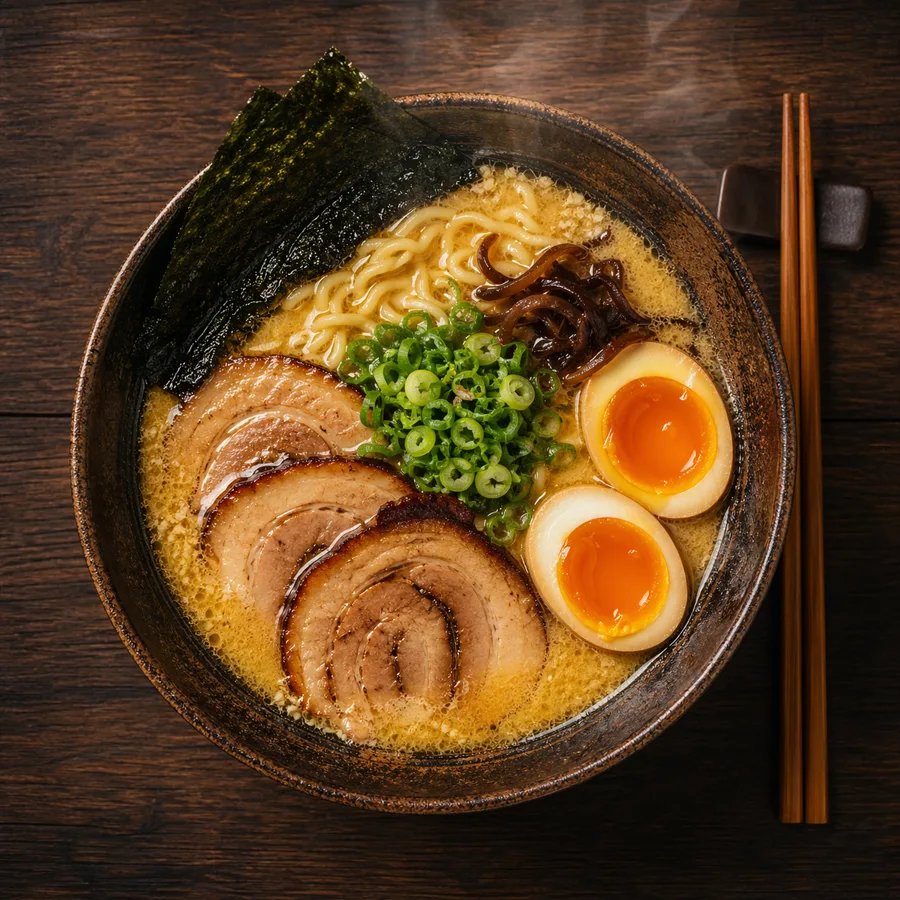
2. 使用摄影语言提升真实感
当你想要照片级真实感的效果时,像摄影师一样描述图像:
- 镜头类型:
"50mm 镜头"、"广角 24mm"、"长焦 200mm" - 光圈/景深:
"浅景深"、"f/1.8 背景虚化" - 光线:
"柔和漫射日光"、"影棚三点布光"、"黄金时刻逆光" - 胶片风格:
"35mm 胶片颗粒"、"Kodak Portra 400"、"黑白纪录片风格" - 取景框架:
"特写肖像"、"宽广的建立镜头"、"俯瞰视角"
示例:
A photorealistic candid portrait of a young woman at a Paris café, 35mm film,
natural window light, slight grain, shallow depth of field, Kodak Portra 400 aesthetic
3. 精准渲染文字
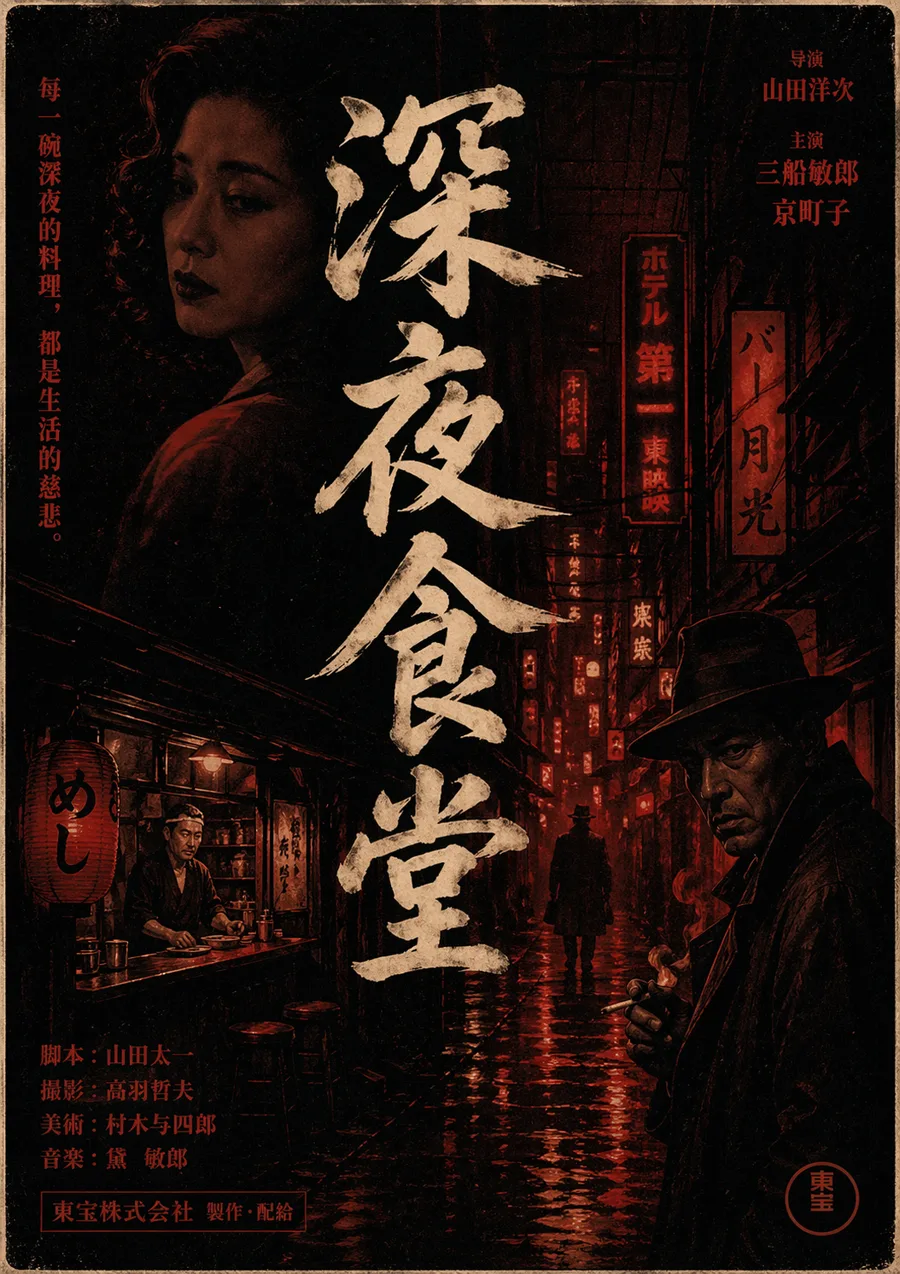
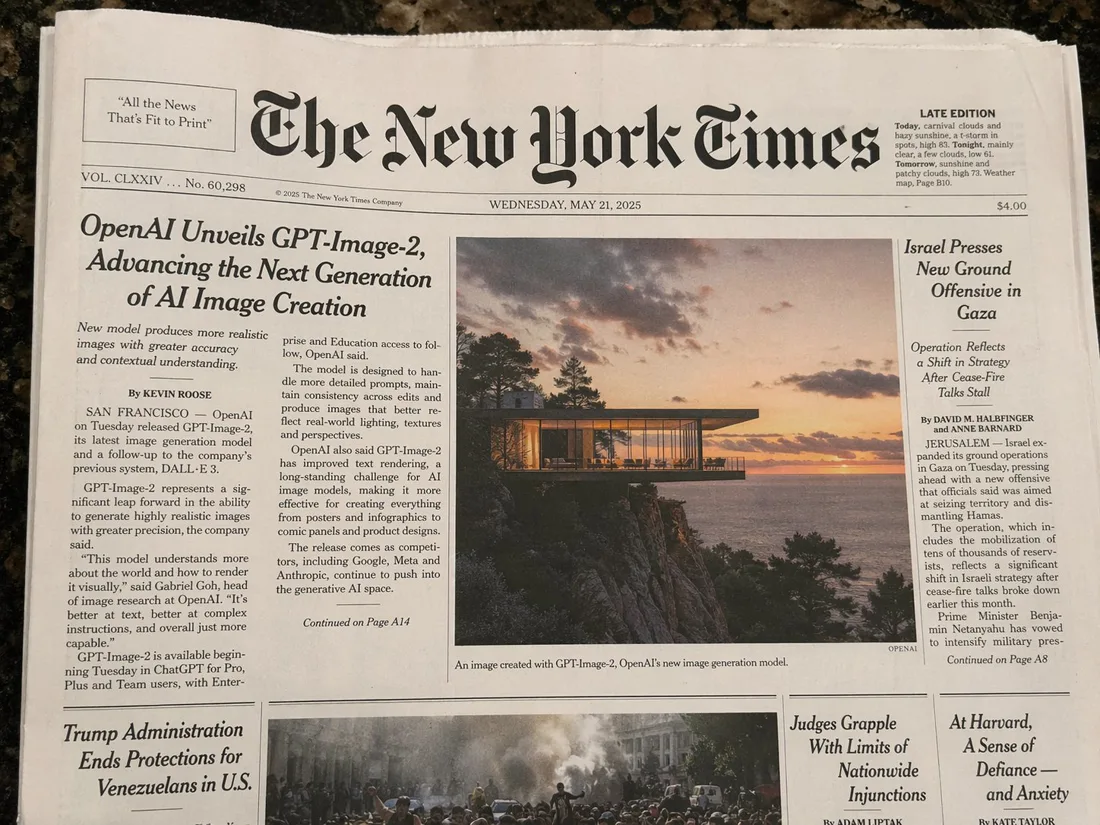
GPT Image 2 在文字渲染方面表现出色。要在图像中获得清晰可读的文字:
- 在提示词中将确切文字放入引号中
- 描述排版:字体粗细、样式、大小和颜色
- 指定位置:
"居中"、"左上角"、"图像上方的粗体标题"
示例:
A minimalist poster with the headline "Design Trends 2026" in bold sans-serif,
centered, white text on a deep navy background, small subtitle "A Year in Review" below
信息图表:
A clean data infographic titled "Global AI Adoption 2026" with four labeled sections,
bar charts, percentage callouts, and a footer reading "Source: OpenAI Research"
4. 锁定不应更改的内容
编辑图像时,明确告诉模型哪些内容必须保持不变。否则,模型可能会重新诠释整个场景。
模板:
[Describe the change you want]. Keep the [subject's face / product / background /
lighting / composition] identical. Only change [specific element].
示例:
Replace the red jacket with a navy blue wool coat. Keep the subject's face,
hair, pose, and background completely unchanged.
5. 风格迁移
要将一张图像的视觉风格应用到新主体上,使用多图像输入并按编号引用每张图:
Apply the lighting style, color palette, and grain texture from image 1
to the subject in image 2. Keep the subject's identity and pose from image 2.
单提示词风格控制:
A portrait photograph in the style of Vivian Maier — black and white,
35mm street photography, candid framing, high contrast
6. 角色一致性
对于多格插图、漫画或故事板,同一角色需要出现在不同场景中,在每个提示词开头锚定角色描述:
[Character description: teenage girl with short red hair, green eyes,
wearing a yellow raincoat] standing at a bus stop in the rain,
illustrated in a clean graphic novel style
在每次生成中重复角色描述,可以保持跨输出的身份一致性。
7. 产品摄影
GPT Image 2 擅长产品拍摄,能精准呈现标签文字、标志和品牌色:
A premium e-commerce product photo of a skincare serum bottle labeled
"LUMINA Vitamin C Serum 30ml", white minimal background, soft studio light
from the upper left, sharp label text, clean shadows
带有复杂标签的包装:
A coffee bag product shot labeled "Summit Roast — Single Origin Ethiopia",
with a mountain line-art illustration on the front, kraft paper texture,
matte finish, on a wooden tabletop, natural daylight
8. 信息图表和数据可视化
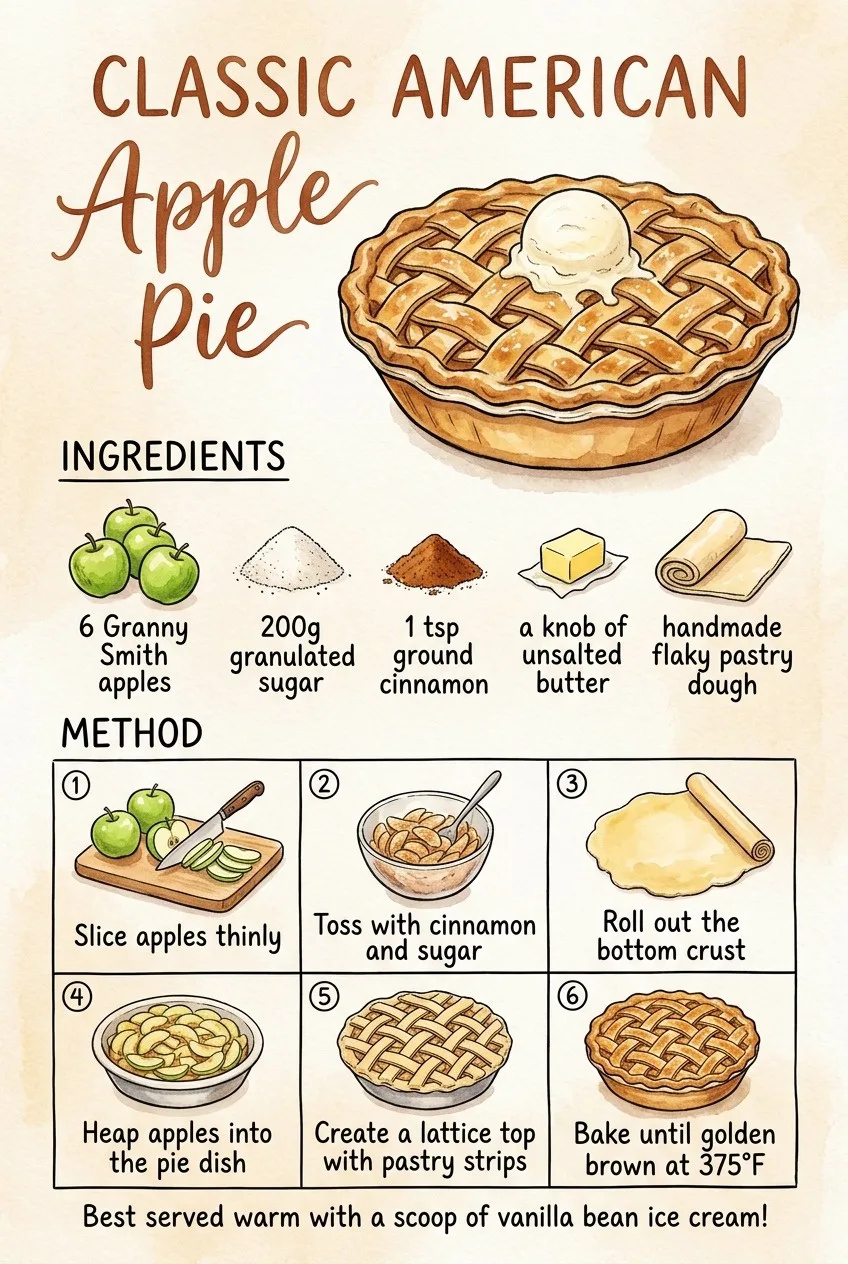
对于密集的信息布局,像设计简报一样构建提示词:
A clean editorial infographic titled "How Neural Networks Learn" with:
- A top header section with the title in bold
- Three labeled diagram stages: Input Layer, Hidden Layers, Output Layer
- Arrows connecting each stage
- A caption at the bottom: "Simplified illustration, not to scale"
Style: flat design, limited color palette (blue, white, dark gray)
9. UI 和界面原型
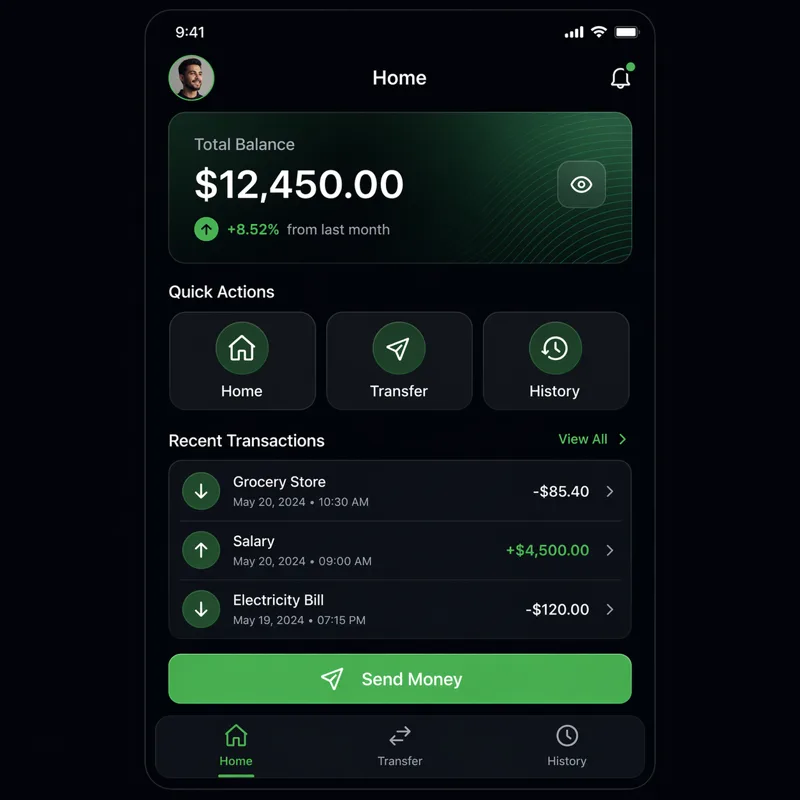
A pixel-accurate mockup of a mobile banking app home screen showing:
- User greeting "Good morning, Alex"
- Account balance: $4,820.00
- Three quick-action buttons: Send, Request, Pay
- Recent transaction list with 4 items
- Bottom navigation bar with Home, Cards, History, Settings icons
Clean iOS design, light mode, San Francisco font
10. 多语言文字
GPT Image 2 能很好地处理非拉丁字母。请明确指定语言和字体系统:
A store sign in Japanese reading "新鮮な野菜" (Fresh Vegetables) in hand-painted
brushstroke calligraphy style, mounted on a wooden board outside a market stall
A bilingual business card with "Sarah Chen / 陈明华" as the name,
"Creative Director" in English and "创意总监" in Chinese below,
minimal design, black on cream paper提示词模板
写实肖像
Photorealistic portrait of [subject description], [lens] lens, [lighting type],
[color grade], [film or digital aesthetic], [framing]
产品拍摄
Premium product photography of [product name] with [label/text],
[background surface], [lighting direction], sharp focus on label text,
[shadow style]
信息图表
[Style] infographic titled "[title]" with [number] sections covering [topics],
labeled diagrams, [chart types], caption: "[footer text]"
图像编辑
[Edit instruction]. Keep the [preserve elements] completely unchanged.
Only change [target element]. Preserve the original lighting and composition.
插图场景
[Character description] [action] in [setting], illustrated in [art style],
[color palette], [mood/atmosphere]
常见错误须知
- 过度约束编辑:说"改变所有内容"违背了图像编辑的目的。每次只做一个改变。
- 文字没有引号:你希望在图像中渲染的文字应该在提示词中用
"引号"括起来。 - 使用泛泛的质量词:
"高质量"和"漂亮"毫无意义。描述对你的特定输出而言高质量意味着什么。 - 忘记风格锚点:对于多输出序列,始终在每个提示词中重复你的风格和角色描述。
相关资源
- 使用案例 — 行业相关的提示词模式
- 作品展示 — 真实输出灵感参考
- API 参考 — 通过 API 使用这些提示词
- GPT Image 2 使用指南 — 新手友好的分步教程
- 博客 — 教程与提示词工程文章